


How Do I Receive and Withdraw My Rental Income from Deed?

Learn how rental income is credited to your Deed wallet and how to withdraw or reinvest it. This guide explains income timing, wallet flows, and the withdrawal process step by step.


KEY takeaways
How Do I Receive and Withdraw My Rental Income from Deed?
Earning passive income is one of the most rewarding aspects of real estate investing. This guide walks you through exactly how rental income is collected, credited to your wallet, and withdrawn to your bank account, so you can take full advantage of your returns.
TL;DR – Quick Rental Income Flow
- Earning starts 1–2 months after property acquisition and creation of the SPV.
- Rental income is credited to your Deed wallet
- You can withdraw to your registered bank account
- If funds are reversed, investments made with those funds will also be cancelled
Why This Matters

Your Deed Wallet acts as a central hub for both adding funds and receiving income from your real estate investments. Understanding how deposits, reversals, and withdrawals work helps ensure:
- Your wallet balance always reflects cleared and verified funds
- You stay protected in case of failed or reversed transactions
- You can invest or withdraw confidently and securely
How Rental Income Works on Deed
1. Monthly Rental Income Distribution
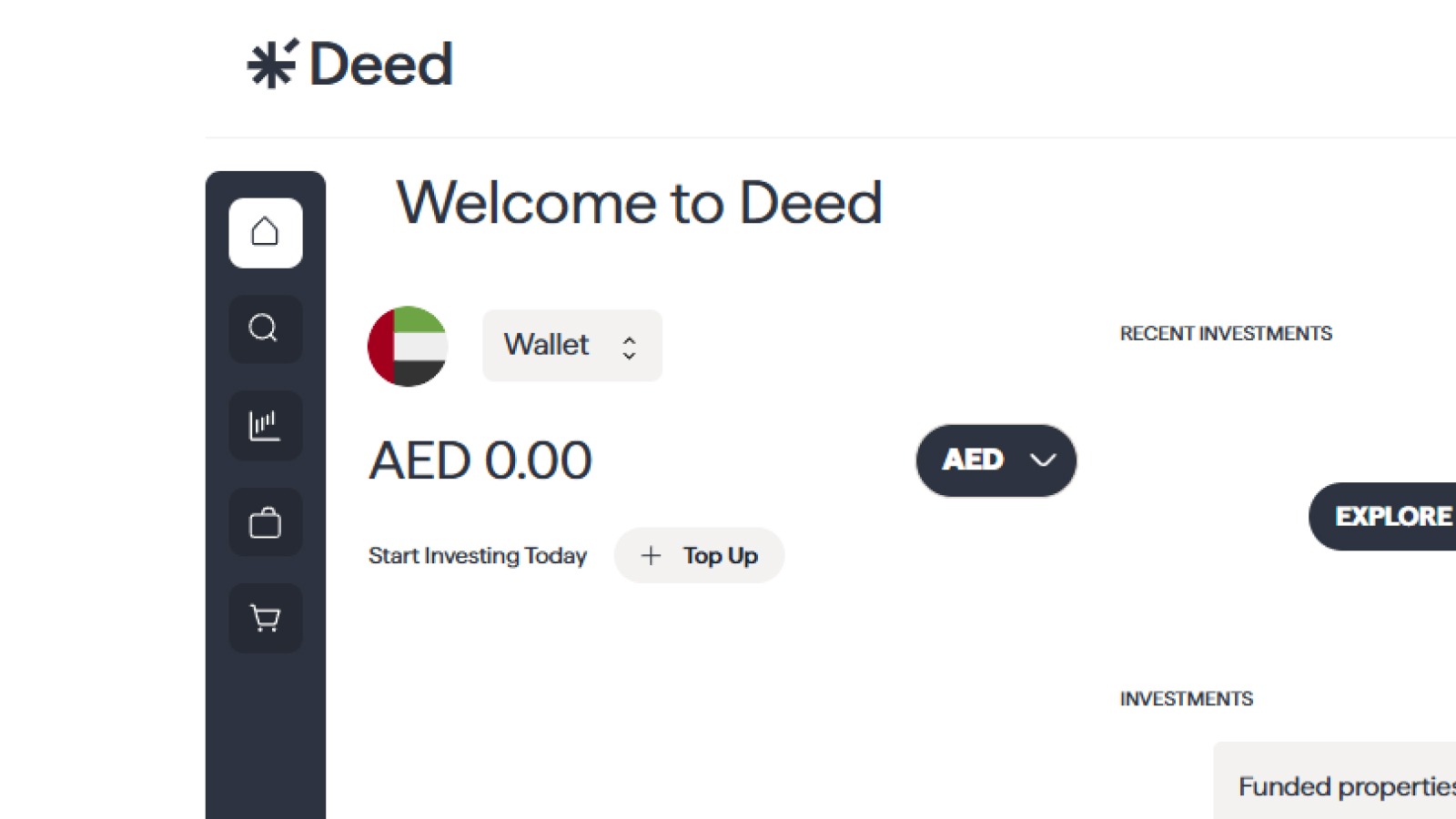
- Once you’ve made an investment and the property is acquired, Deed will credit any available rental income to your wallet
- Deducts: management fees, maintenance, other expenses
- Timing: Typically begins 1–2 months after acquisition and creation of the SPV, and continues monthly
2. Add or Receive Funds via Wallet
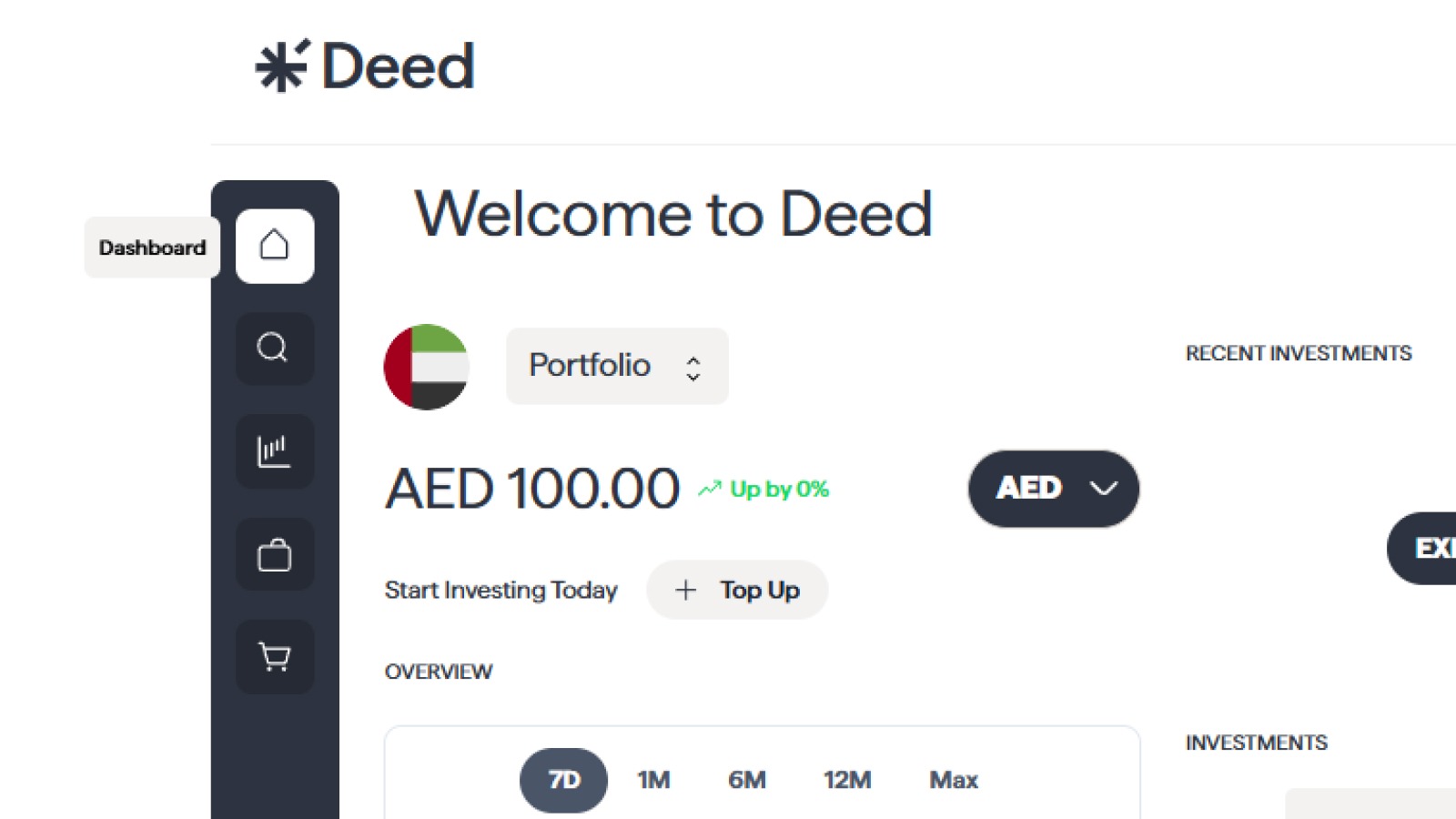
You can:
- Add funds using a debit card or bank transfer
- Receive income credited into the same Deed wallet
- Use the wallet balance for new investments
Credit cards are not supported.
3. Payment Reversals & Wallet Impact
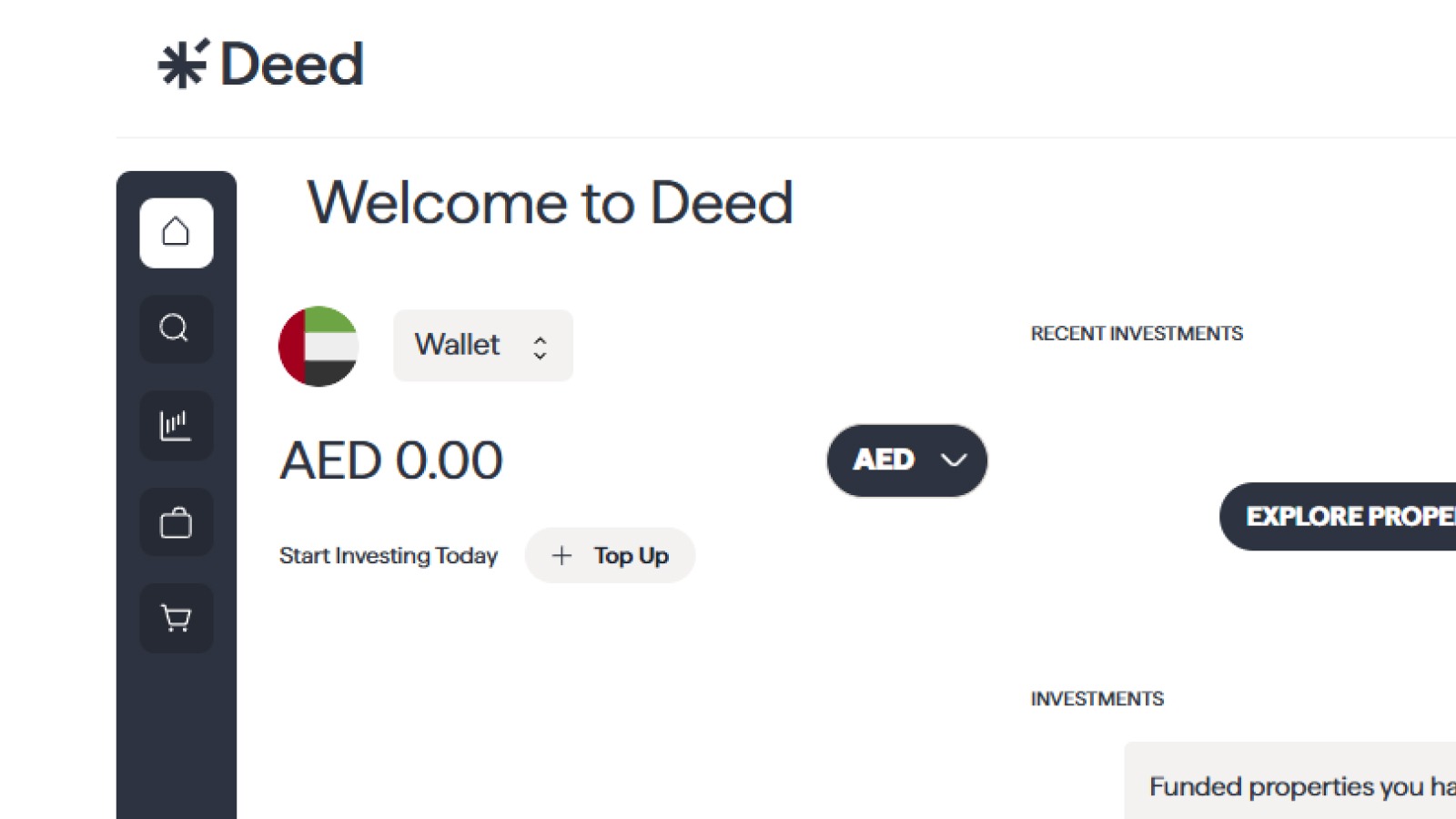
If a transaction is later rejected or reversed:
- The associated wallet credit will be automatically removed
- Any investments made with those funds will also be cancelled
- This keeps your wallet balance accurate and protects the platform
4. Track Everything in Your Dashboard
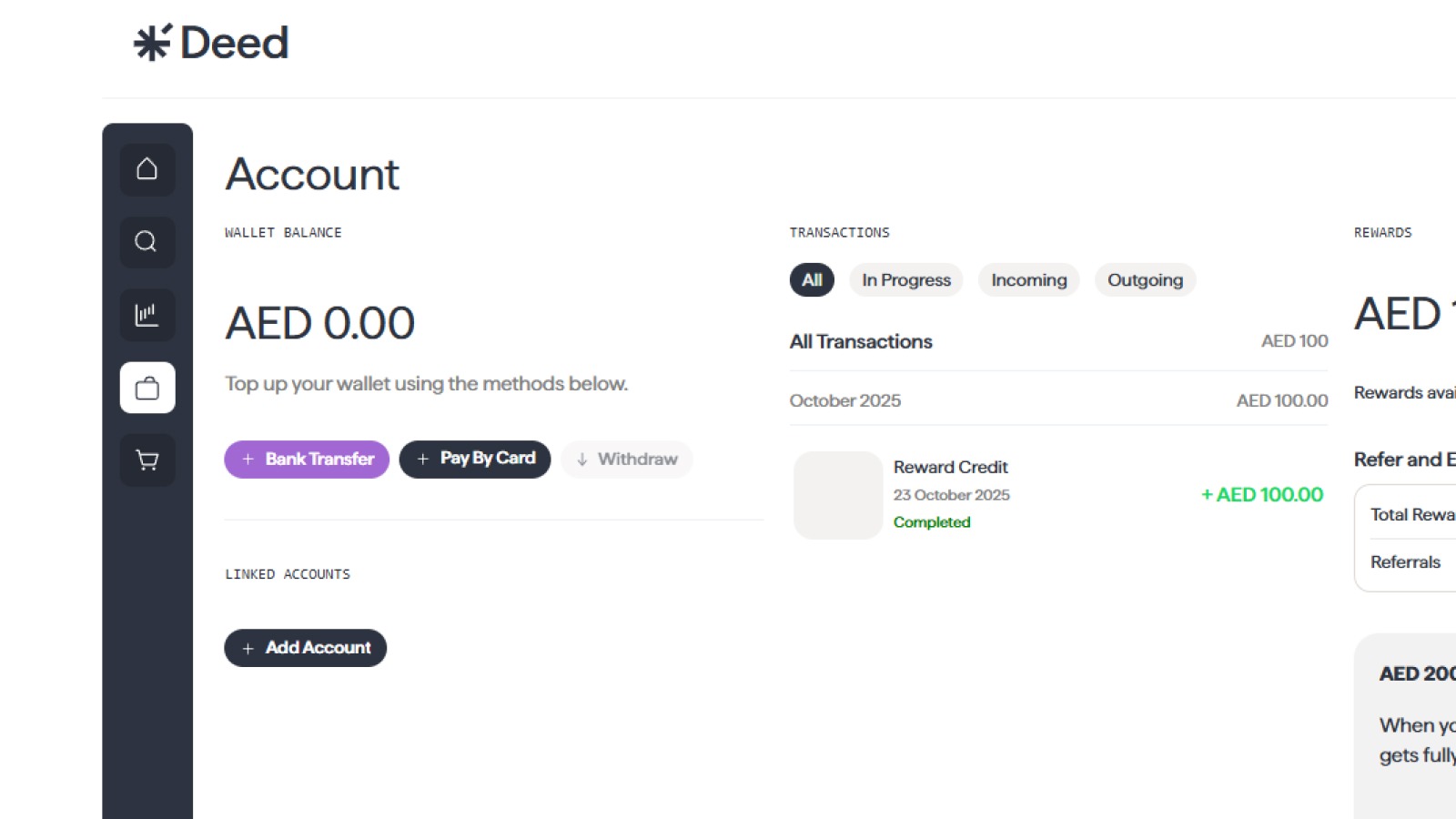
- Monitor both rental income and estimated property value anytime via your Deed dashboard
Step-by-Step Guide to Withdrawing Your Rental Income
1. Go to Your Wallet Section
Log in to your Deed account and navigate to the "Wallet" section under accounts.
2. Click on "Withdraw"
Click on the "Withdraw" or "Withdraw Funds" button.
3. Enter the Withdrawal Amount
Enter the amount you wish to withdraw from your wallet. You can withdraw your entire balance or a partial amount.
4. Select Your Bank Account
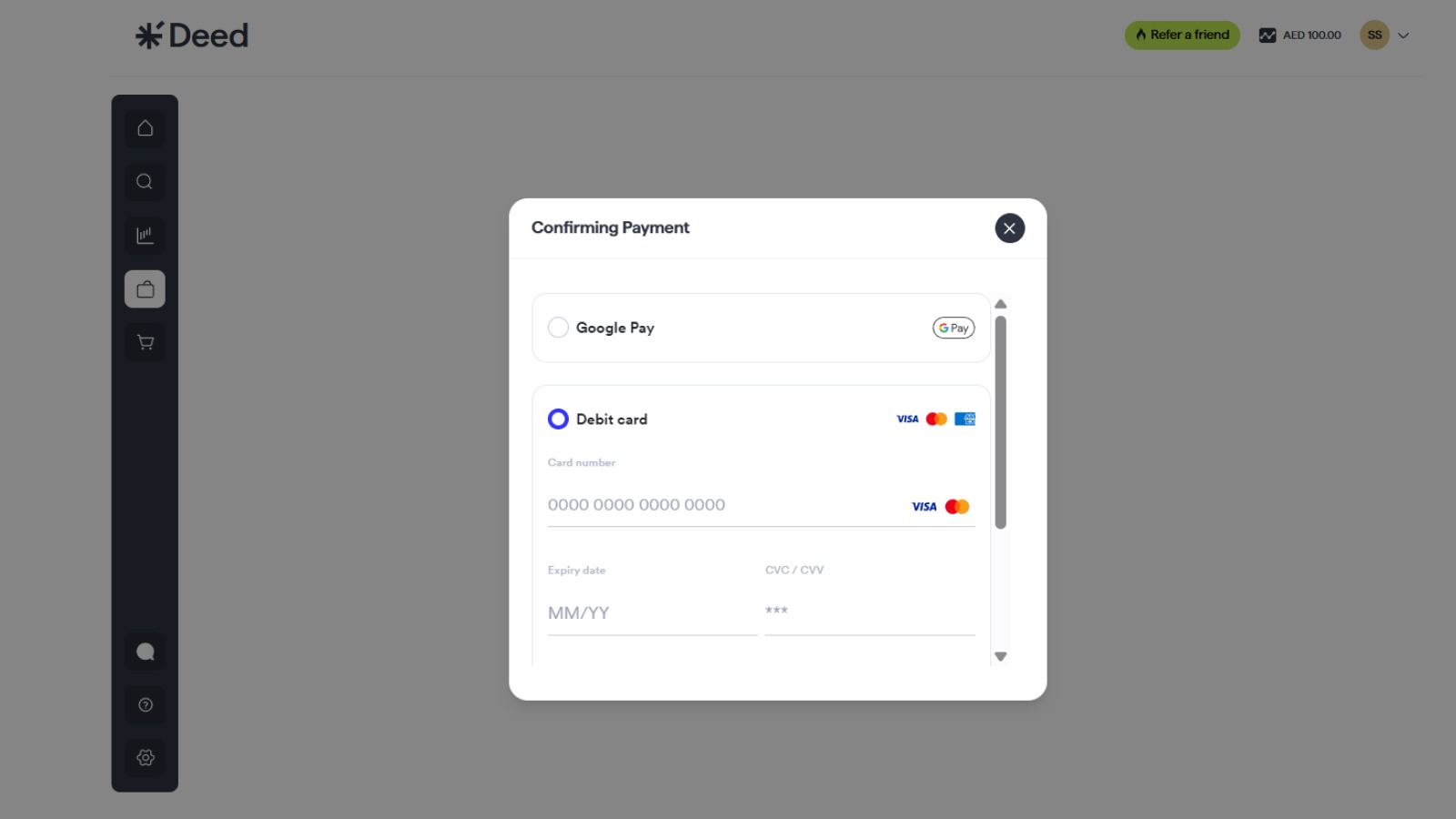
Your registered bank account will be automatically selected
5. Confirm Your Withdrawal
Review the withdrawal details and confirm your request. For security reasons, you may be asked to enter a verification code sent to your phone or email.
6. Receive Your Funds
Your withdrawal request will be processed, and the funds will be transferred to your bank account. Withdrawals typically take 3-5 business days to be completed.
Also read: How to Exit or Transfer Your Investment on Deed
FAQ Section
Are there any fees for withdrawing my rental income?
We do not charge any fees for withdrawing your rental income. However, your bank may charge a fee for receiving the transfer.
Can I use a credit card to withdraw or add funds?
No, Deed does not accept credit cards. Only debit card and bank transfer are allowed.
Can I reinvest my rental income?
Yes, you can use the funds in your Deed wallet to reinvest in other properties on the platform. This is a great way to compound your returns and grow your portfolio even faster.
Conclusion
Tracking and withdrawing your rental income on Deed is simple, secure, and transparent. With a few clicks, you can either reinvest your earnings or transfer them to your bank account—giving you the flexibility to manage your passive income on your terms.
Senior Growth, Marketing & Brand Manager | Elevating Brand Equity & Fueling Sales Growth Across Fintech, Proptech.
Signup to our newsletter!
Stay ahead with exclusive updates, insights, and opportunities delivered straight to your inbox.
Frequently Asked Questions

Start earning passive income today
Join thousands of investors building wealth through fully-managed rental properties.