


How Do I Delete or Deactivate My Deed Account if Needed?

Learn how to delete or deactivate your Deed account securely. This guide explains prerequisites, the closure process, timelines, and what happens to your data.


KEY takeaways
How Do I Delete or Deactivate My Deed Account if Needed?
We are sorry to see you go, but we understand that circumstances can change. This guide walks you through how to delete or deactivate your account, and what you need to know before doing so.
TL;DR – Quick Guide
Withdraw fundsandexit all investmentsbefore requesting deletion.- Open the Deed app → go to Profile → Settings → tap “Close Account.”
- Send a deletion request to support@startdeed.com from your registered email.
- Deed will verify your identity and process the deletion in 7–14 business days.
- Deletion is permanent. Access and data are removed except what’s retained for compliance.
Why This Matters
Your Deed account includes sensitive financial data, ownership records, and investment history. If you choose to leave, Deed ensures a secure and compliant closure process.
Here’s what you should know before taking action:
- You
must exit all property investmentsand ensure your wallet balance is zero. - The process is irreversible — once deleted, your account cannot be restored.
- Deed complies with regulatory guidelines. Though your account is closed at your end, certain data will be retained for a minimum of 6 years with the status marked as ‘Closed’, as per compliance requirements.
Step-by-Step Guide to Closing Your Deed Account
1. Exit All Investments & Withdraw Funds
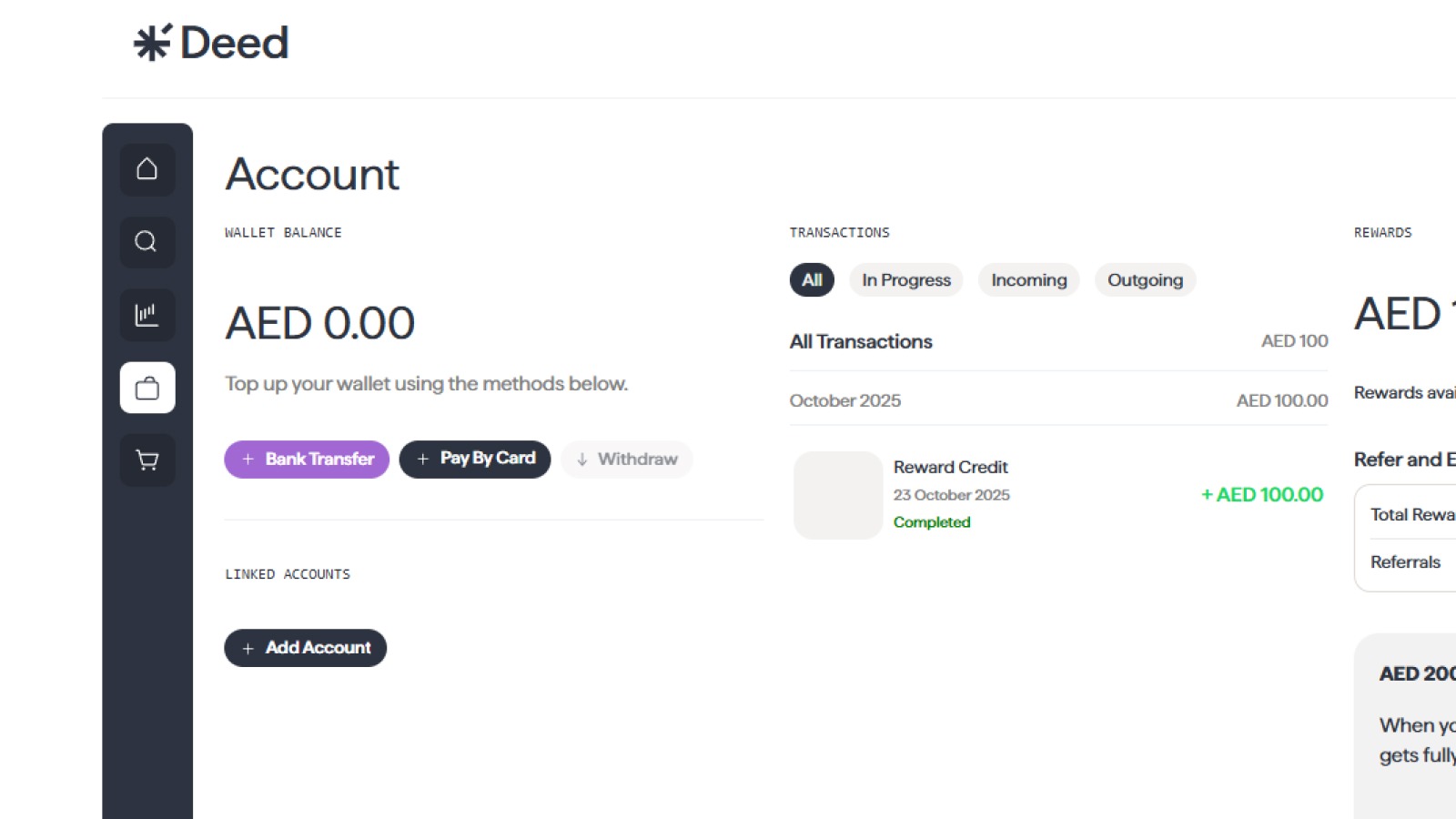
Before you can close your account:
- Exit all active property holdings
- Withdraw any remaining wallet balance
If you’re unsure how to do this, you can reach out to Deed support for assistance.
Here’s a complete guide on how to exit or transfer your investments and withdraw your rental income and funds on Deed.
2. Initiate Deletion via the App
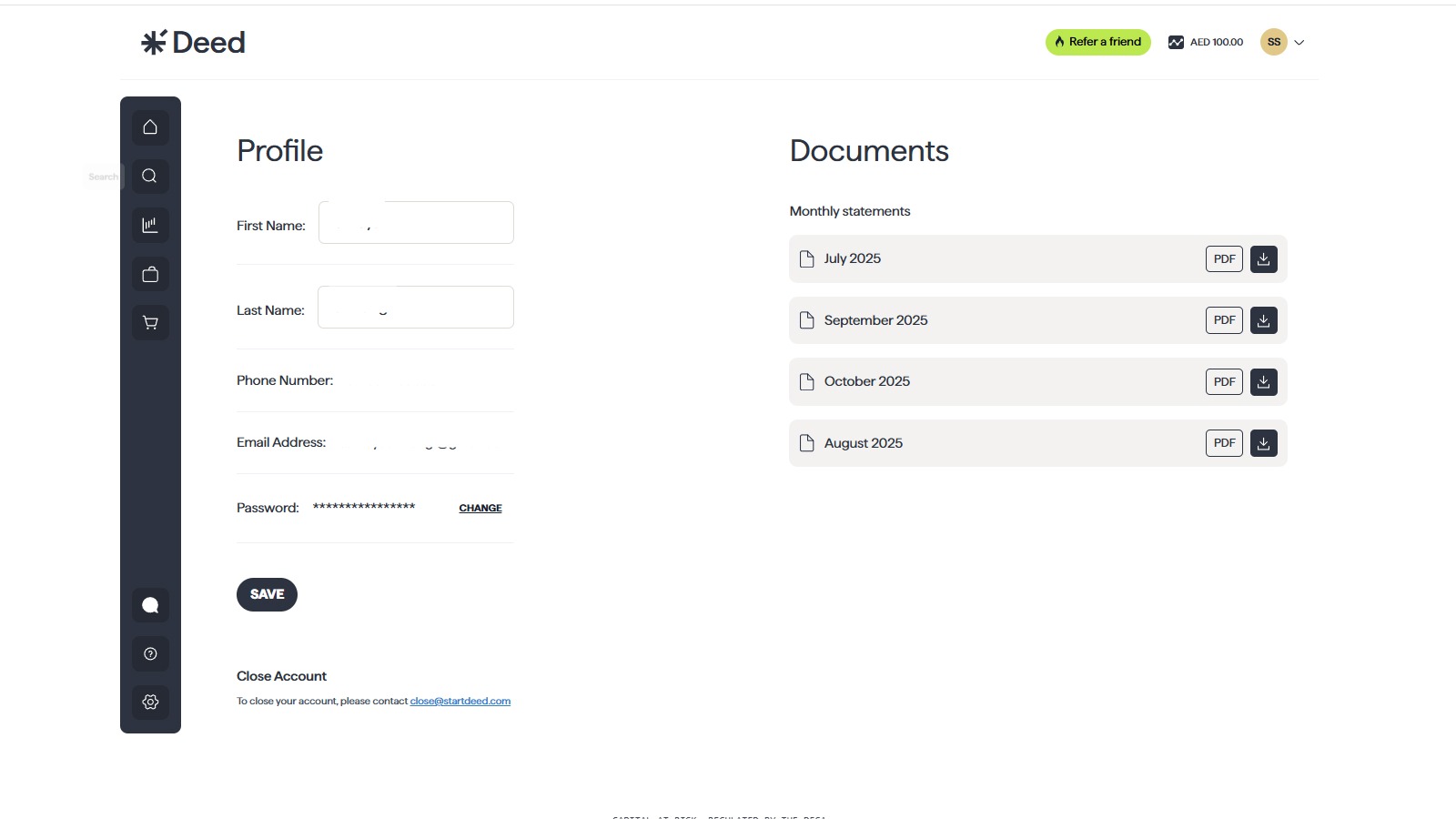
- Open the Deed app
- Go to Profile → Settings
- Scroll to the bottom and tap “Close Account”
This step signals your intent to delete the account.
3. Confirm via Email
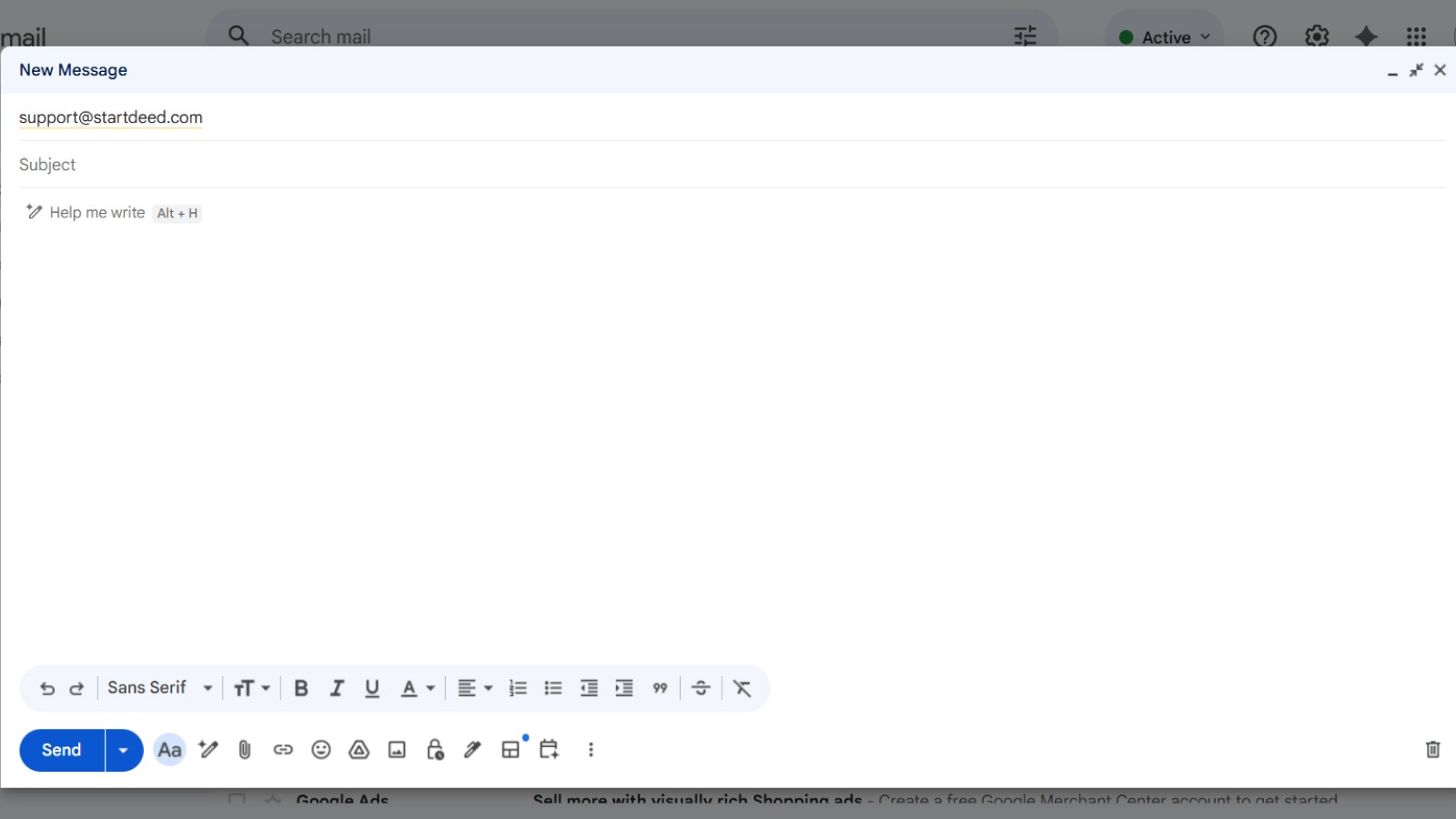
- From your registered email address, send a deletion request to:
📧 support@startdeed.com
- Clearly state that you want your DEED account permanently closed.
4. Wait for Identity Verification & Final Deletion
- The support team will verify your identity
- Deletion is processed in 7–14 business days
- You’ll receive confirmation once the account is successfully closed
FAQ Section
What happens to my investments if I delete my account?
Before you can delete your account, you will need to exit all your investments and withdraw any remaining funds from your wallet. Account deletion won’t be approved if any investments remain.
Can I reactivate my account if I change my mind?
If you have deactivated your account, you can reactivate it by contacting our support team. If you have deleted your account, you will not be able to reactivate it. You will need to create a new account if you wish to use Deed again.
What happens to my data if I delete my account?
When you delete your account, we will permanently delete all your personal data from our servers. However, we may be required to retain some of your data for legal or regulatory reasons.
Conclusion
We are committed to providing you with a transparent and user-friendly platform, and that includes giving you control over your account. If you have any questions or need assistance with deactivating or deleting your account, please do not hesitate to contact our support team.
Senior Growth, Marketing & Brand Manager | Elevating Brand Equity & Fueling Sales Growth Across Fintech, Proptech.
Signup to our newsletter!
Stay ahead with exclusive updates, insights, and opportunities delivered straight to your inbox.
Frequently Asked Questions

Start earning passive income today
Join thousands of investors building wealth through fully-managed rental properties.