


How to Add Funds to Your Deed Wallet & What Payment Methods are Accepted
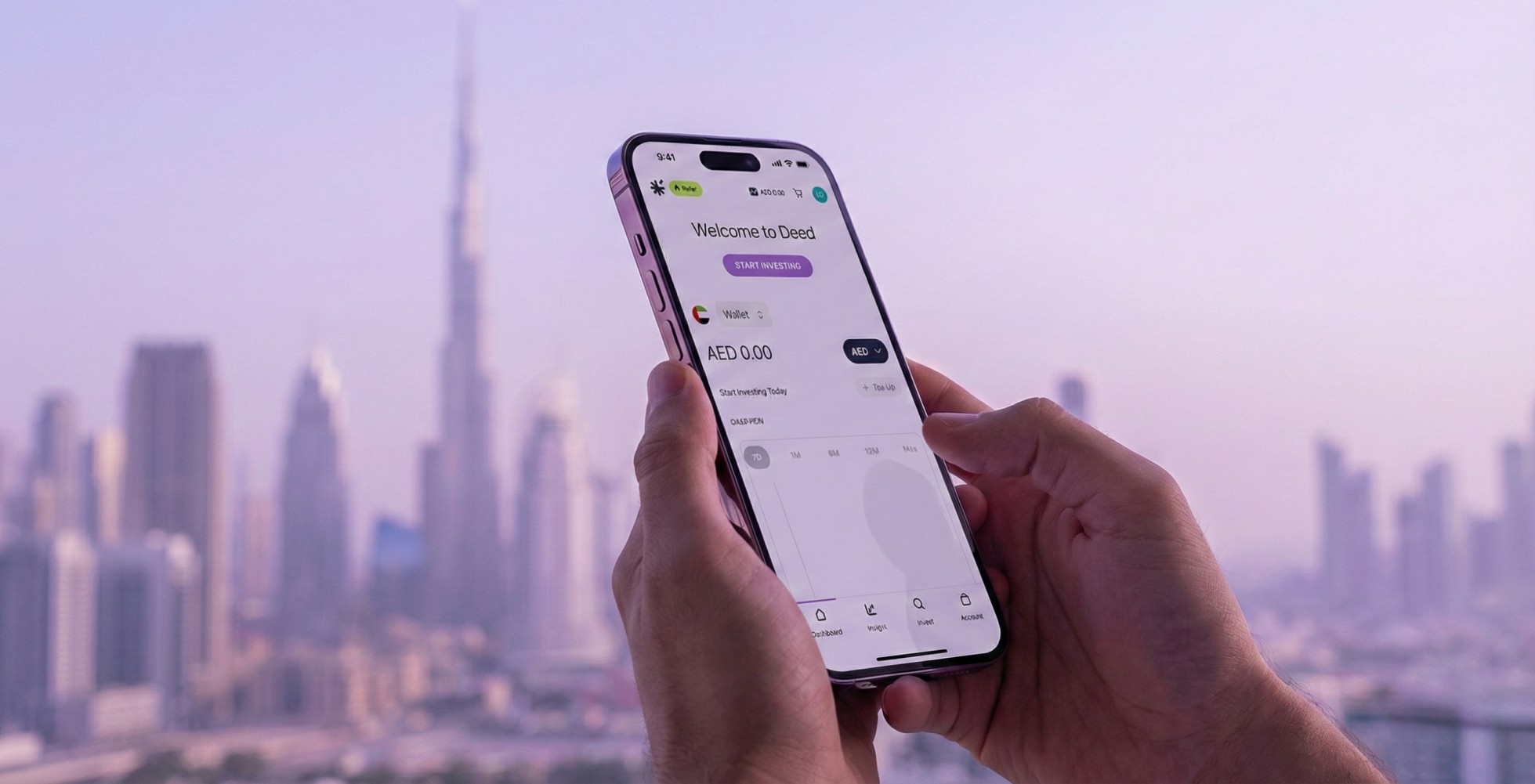
Learn how to add funds to your Deed wallet and which payment methods are accepted. This guide explains wallet top-ups, processing times, and how your balance is used for investing and payouts.


KEY takeaways
How to Add Funds to Your Deed Wallet & What Payment Methods are Accepted
Your Deed wallet is a convenient way to manage your funds and make investments on the platform. You can use it to fund investments, receive rental income, and manage your balance seamlessly. This guide explains how to add funds to your wallet and what payment methods we accept.
Quick Guide to Topping Up Your Deed Wallet

- Log in to your Deed account
- Go to the Account section
- Find and click on bank transfer or pay by card
- Enter your desired amount
- Complete the transaction using the instructions provided
- Your wallet balance will reflect the amount after successful processing
Why This Matters
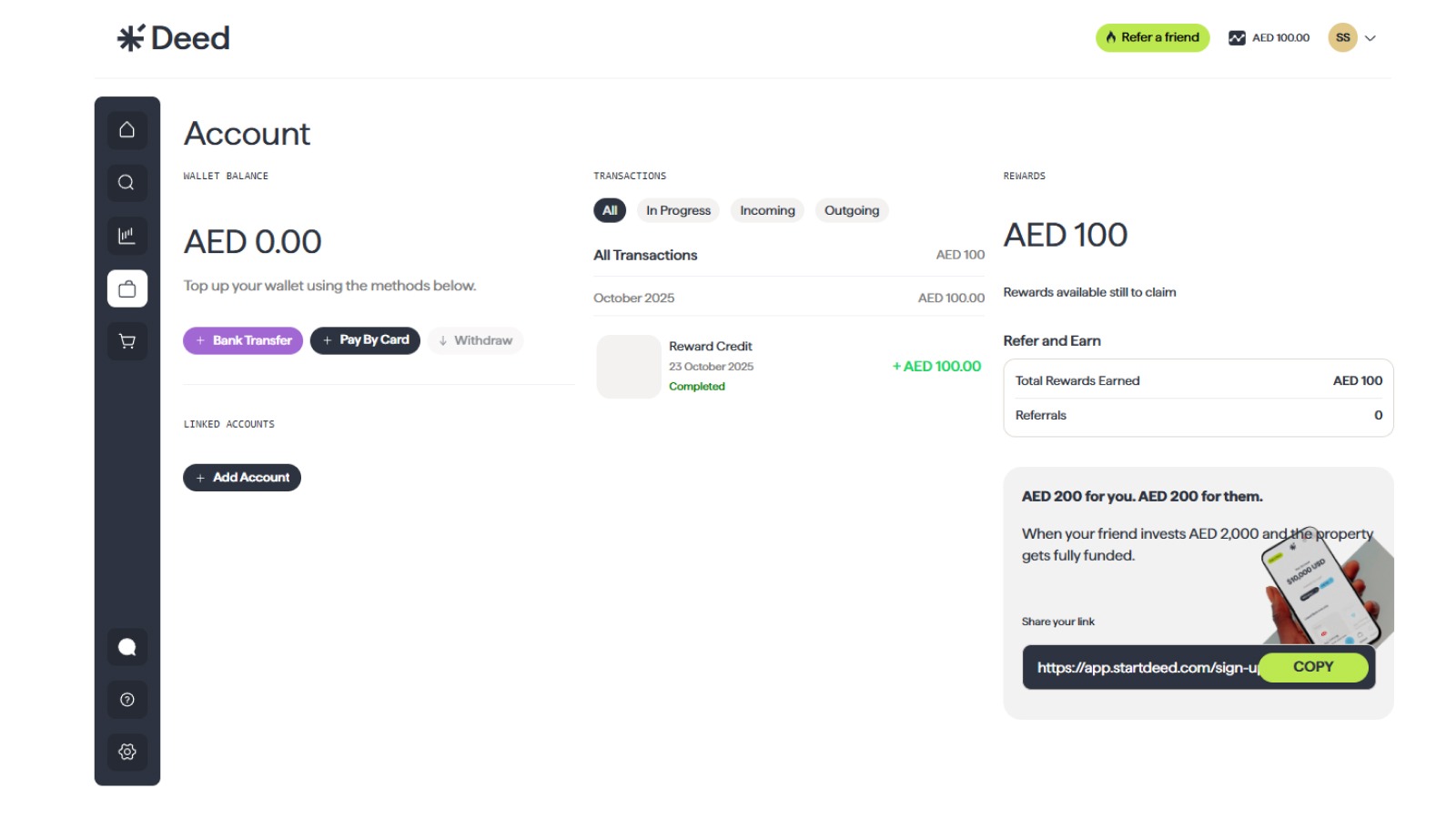
Having a balance in your Deed wallet means you’re always ready to invest, without entering bank or card details each time. It also streamlines receiving rental income, which is credited back into your wallet. Top-ups give you flexibility and speed to invest the moment you spot a property opportunity.
You can add funds in advance using your wallet, or invest directly at checkout using your preferred payment method.
Accepted Payment Methods

- You can add funds to your Deed wallet in advance, or
- Invest directly via debit card or bank transfer when you’re ready.
Accepted methods include:
- Debit Card
- Bank Transfer
Step-by-Step Guide to Adding Funds to Your Wallet
1. Go to Your Wallet Section
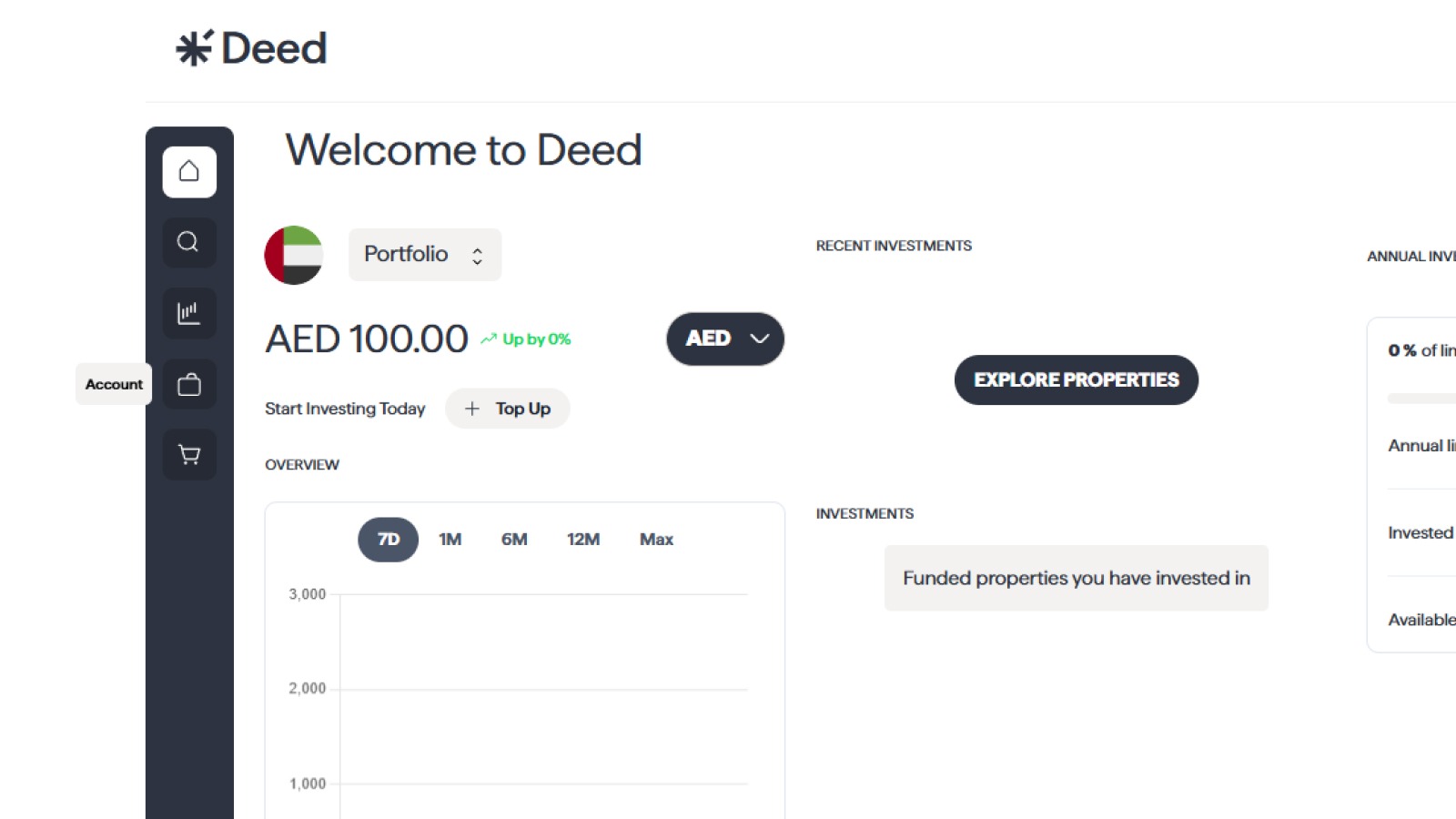
Access startdeed.com or use the Deed app.
Navigate to the Account section to find your wallet balance and add funds.
2. Choose the mode of adding funds
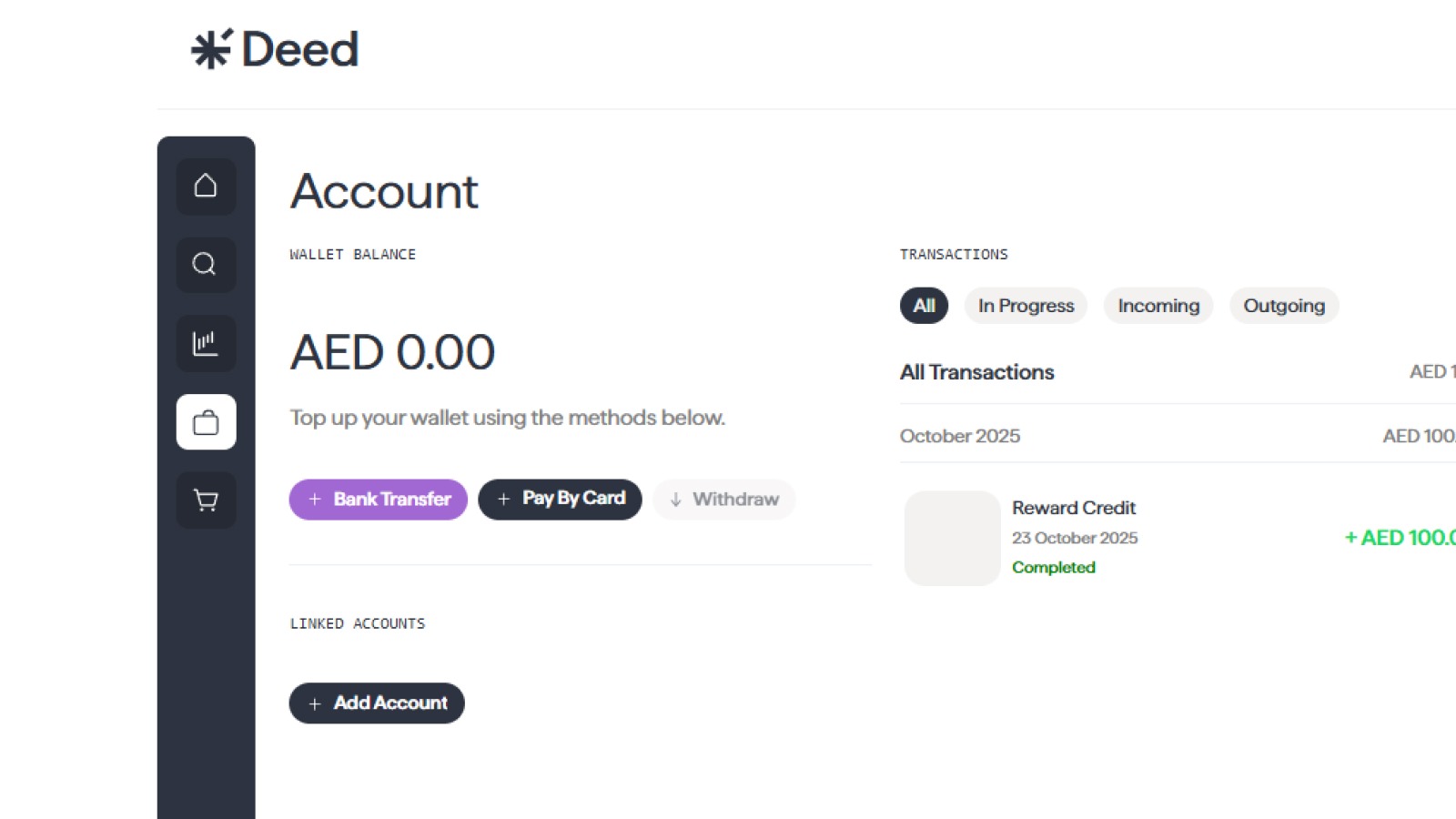
You get 2 options for adding funds to your deed wallet. You can either do a bank transfer or pay by debit card.
3. Enter the Amount
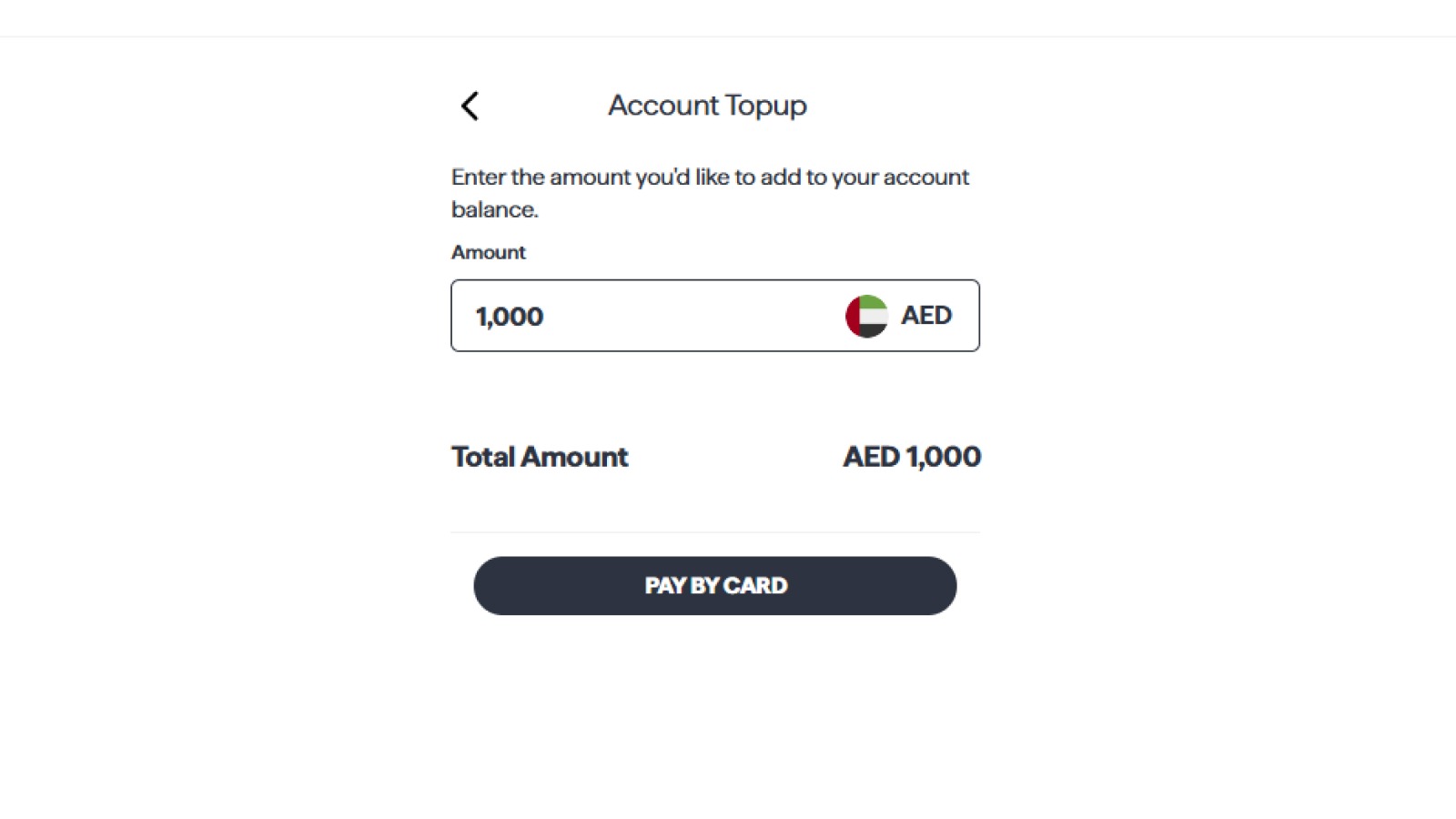
Enter the amount you wish to add to your wallet.
4. Choose Your Payment Method
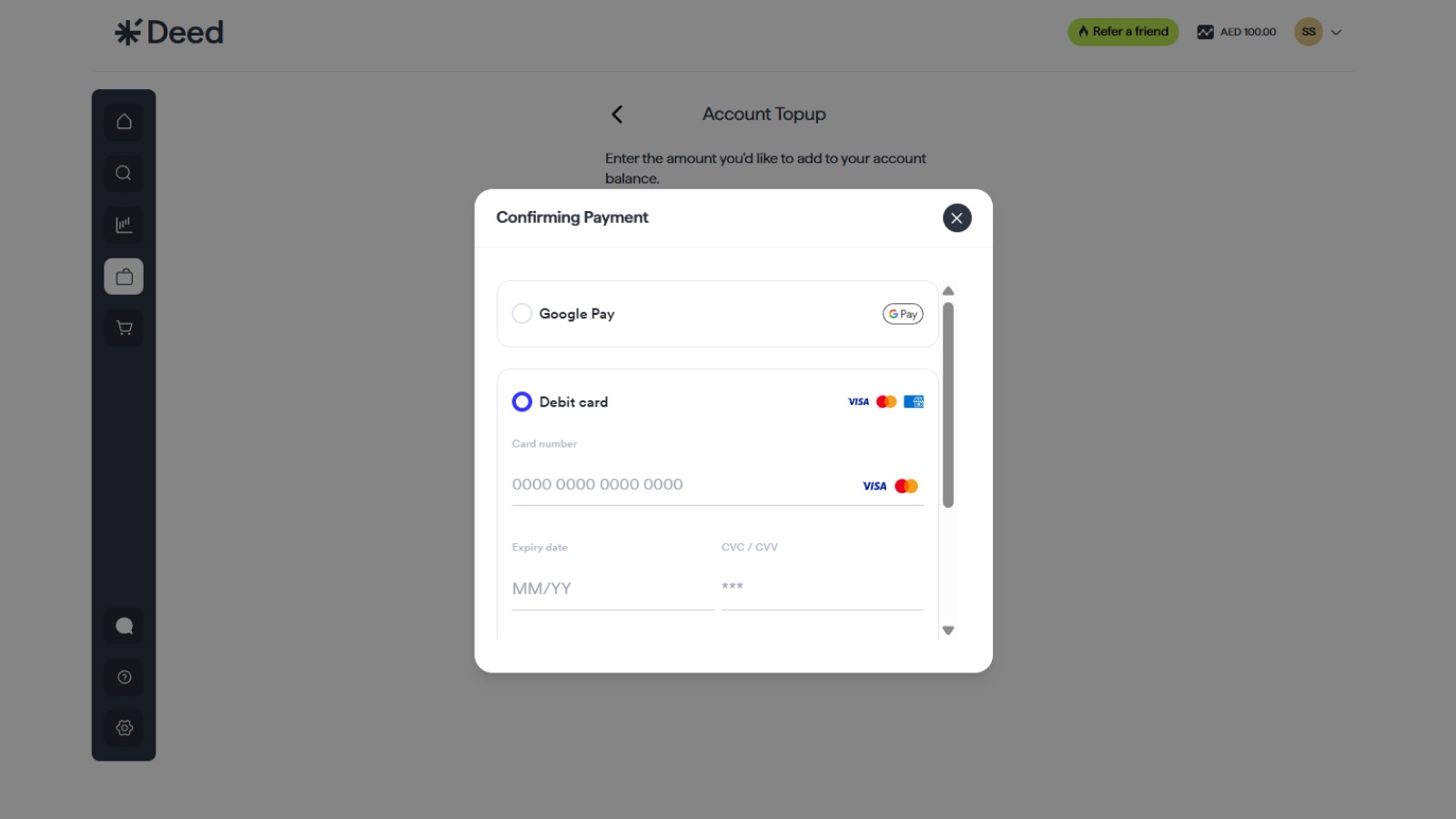
Select one of the following:
- Bank Transfer → You’ll receive Deed’s transfer details
- Debit Card → Enter card info and submit payment
Note: You can’t use credit cards for wallet top-ups.
5. Follow the Payment Instructions
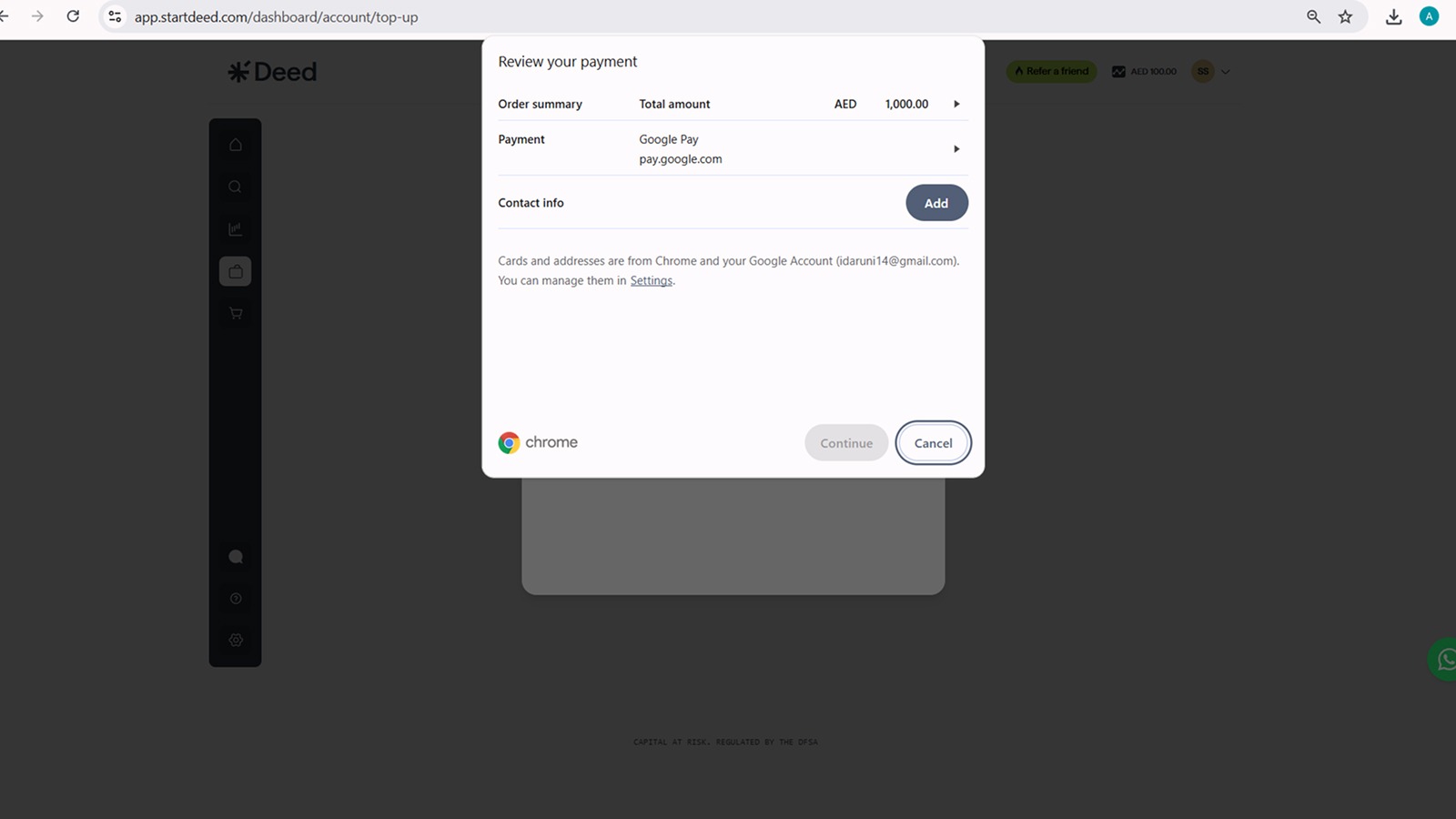
Follow the on-screen prompts for your chosen method. You’ll receive confirmation after a successful transfer or card transaction.
6. Confirm Your Deposit
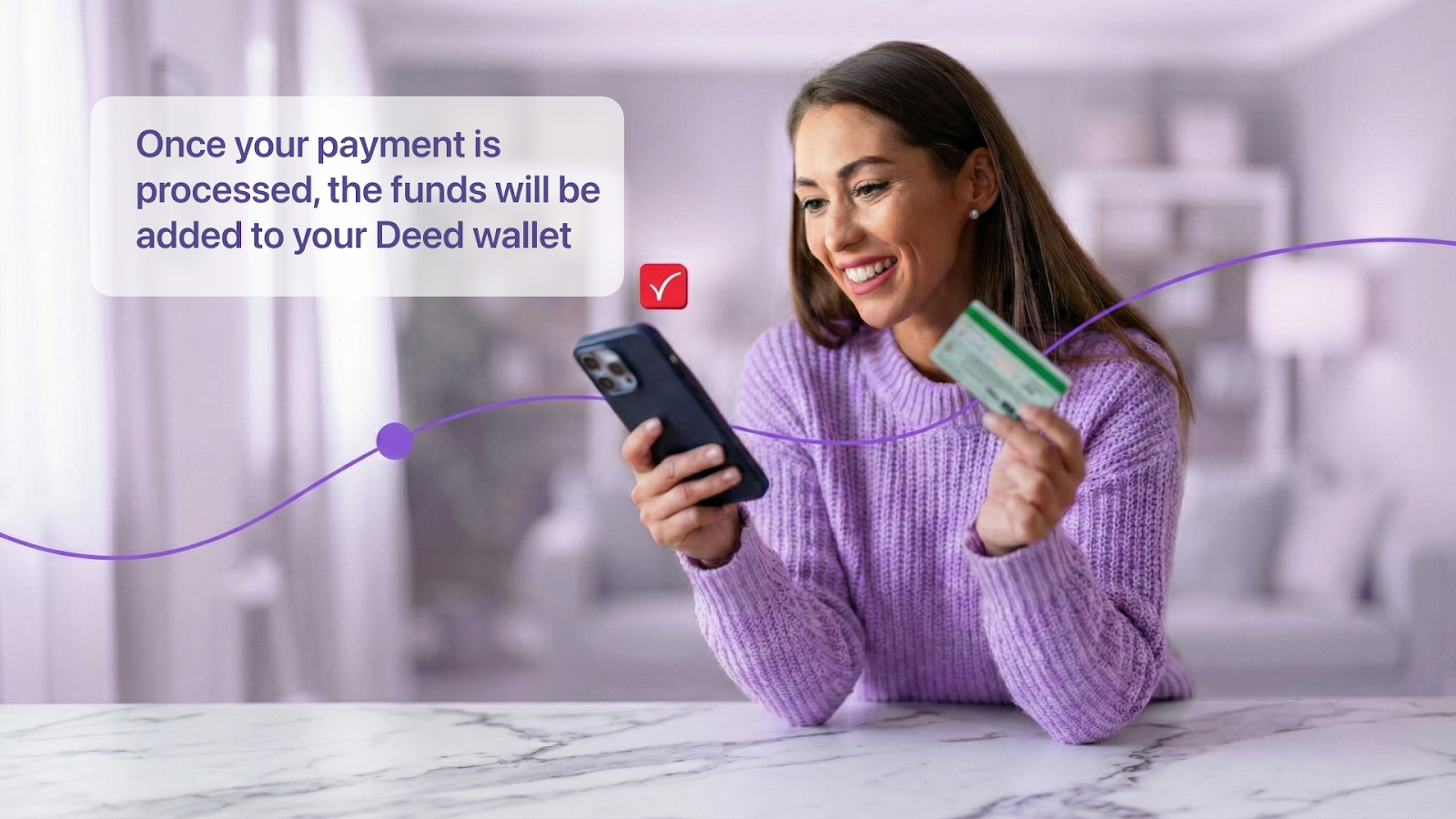
Once your payment is processed, the funds will be added to your Deed wallet. You will receive a confirmation email, and you can see your updated balance in the account section.
FAQ Section

Are there any fees for adding funds to my wallet?
No, we do not charge any fees for adding funds to your wallet.
How long does it take for the funds to appear in my wallet?
Deposits made via debit card are usually instant. Bank transfers may take 1-3 business days to be processed.
Can I withdraw funds from my wallet?
Yes, you can withdraw funds from your wallet to your registered bank account at any time. Please note that withdrawals may take a few business days to be processed.
Why This is Secure & Smart

- Deed wallets help you stay agile, ready to act on investment opportunities faster
- Rental income is deposited into your wallet, giving you control over reinvestment or withdrawal
- Deed is licensed by DIFC and regulated by DFSA; all funds are held secure until acquisition
Conclusion

Adding funds to your Deed wallet is a simple and secure process that makes investing on our platform even more convenient. By keeping your wallet funded, you can be ready to invest in new properties and manage your rental income with ease.
Relevant Guides:
How to Make Your First Investment on Deed: A Step-by-Step GuideHow Do I Receive and Withdraw My Rental Income from Deed?How Do I Refer Friends to Deed and Track My Referral Rewards?How to Browse and Select Properties to Invest in on Deed
Senior Growth, Marketing & Brand Manager | Elevating Brand Equity & Fueling Sales Growth Across Fintech, Proptech.
Signup to our newsletter!
Stay ahead with exclusive updates, insights, and opportunities delivered straight to your inbox.
Frequently Asked Questions

Start earning passive income today
Join thousands of investors building wealth through fully-managed rental properties.