


How to Track Your Investment Performance and Returns on Deed
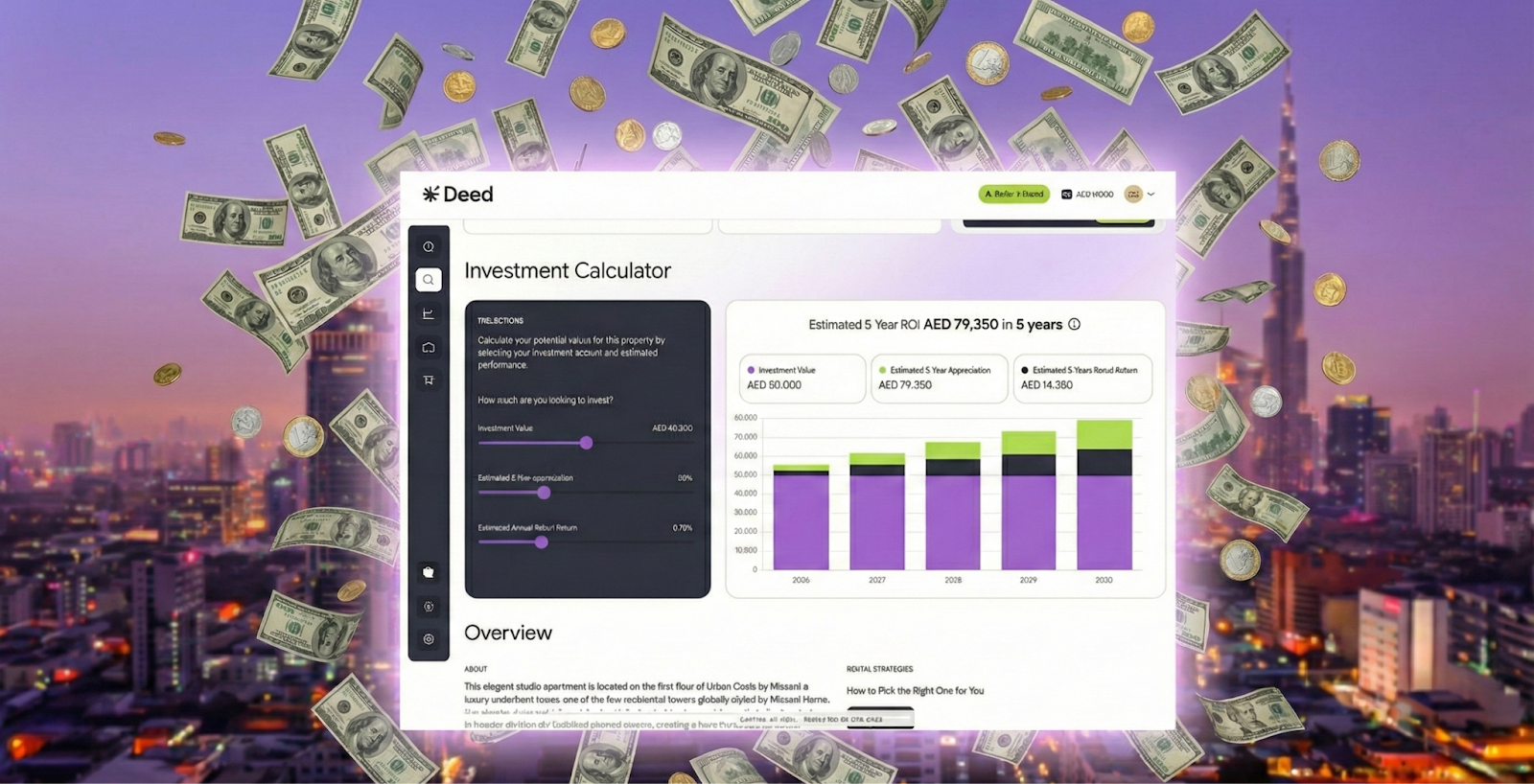
Stay on top of returns with Deed’s portfolio dashboard and analytics.


KEY takeaways
How to Track Your Investment Performance and Returns on Deed
Staying informed about your portfolio’s performance is crucial for growing your wealth effectively. This guide walks you through how to track your investment performance covering rental income, property value appreciation, and overall portfolio health using Deed’s intuitive dashboard and tools.
TL;DR – At-a-Glance Tracking on Deed
- Log in to your account and access the Dashboard
- View a summary: total invested value, number of properties, and overall returns
- Dive into property-level performance
- Track monthly rental income
- Explore historical trends
Why This Matters

Your Deed dashboard provides a comprehensive overview of your investment portfolio, including your total investment value, rental income, and overall returns.
By regularly monitoring your performance, you can assess the health of your portfolio, and identify trends.
Transparency is a core value at Deed, which is regulated by DFSA and licensed by DIFC, so we are committed to providing you with all the information you need to track your success.
Step-by-Step Guide to Tracking Your Performance
1. Navigate to Your Dashboard
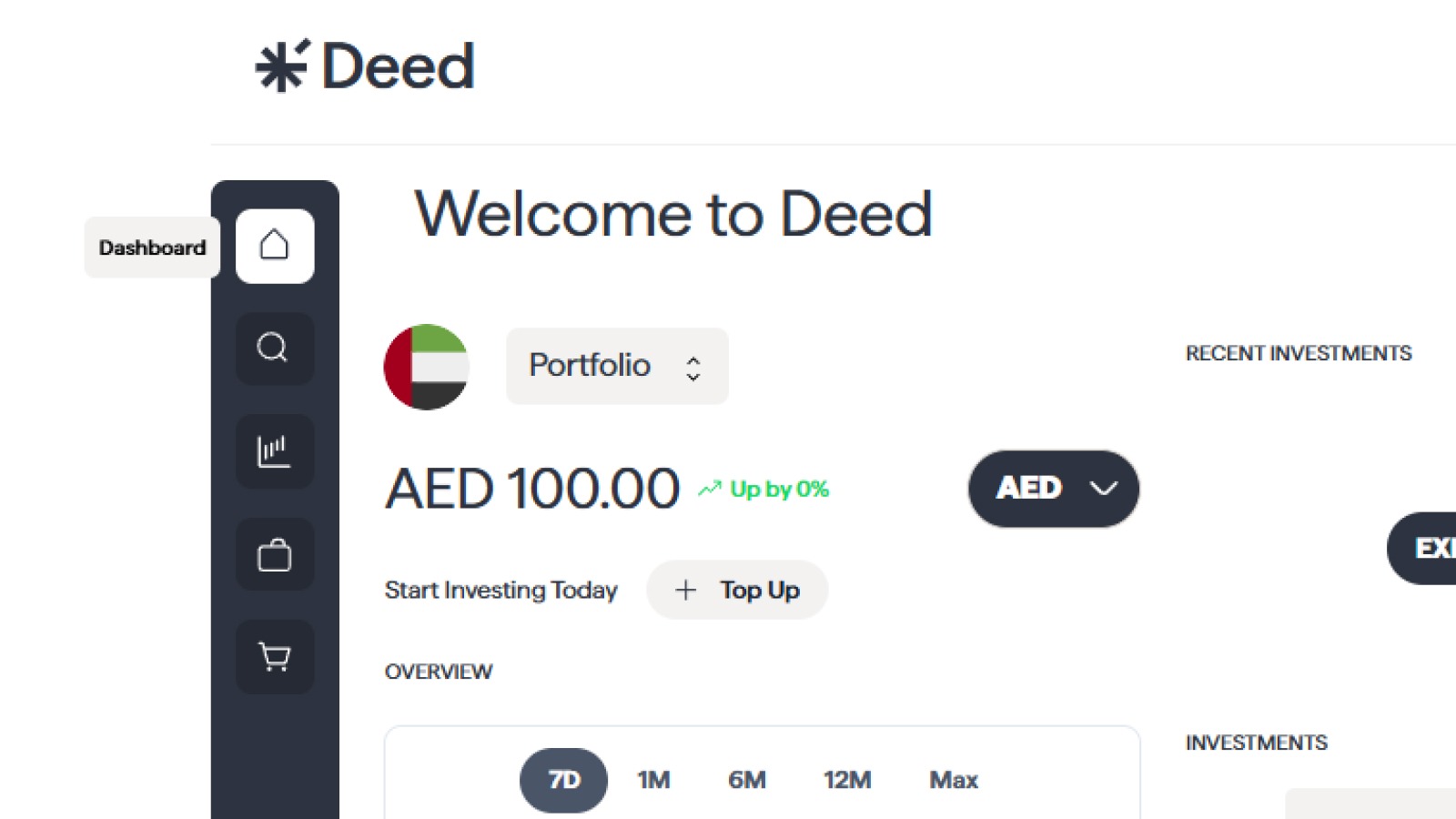
Start by signing into your Deed account and
- Navigate to the Dashboard section in the main menu.
- This section provides a live report of your entire portfolio.
2. Review Your Portfolio Overview
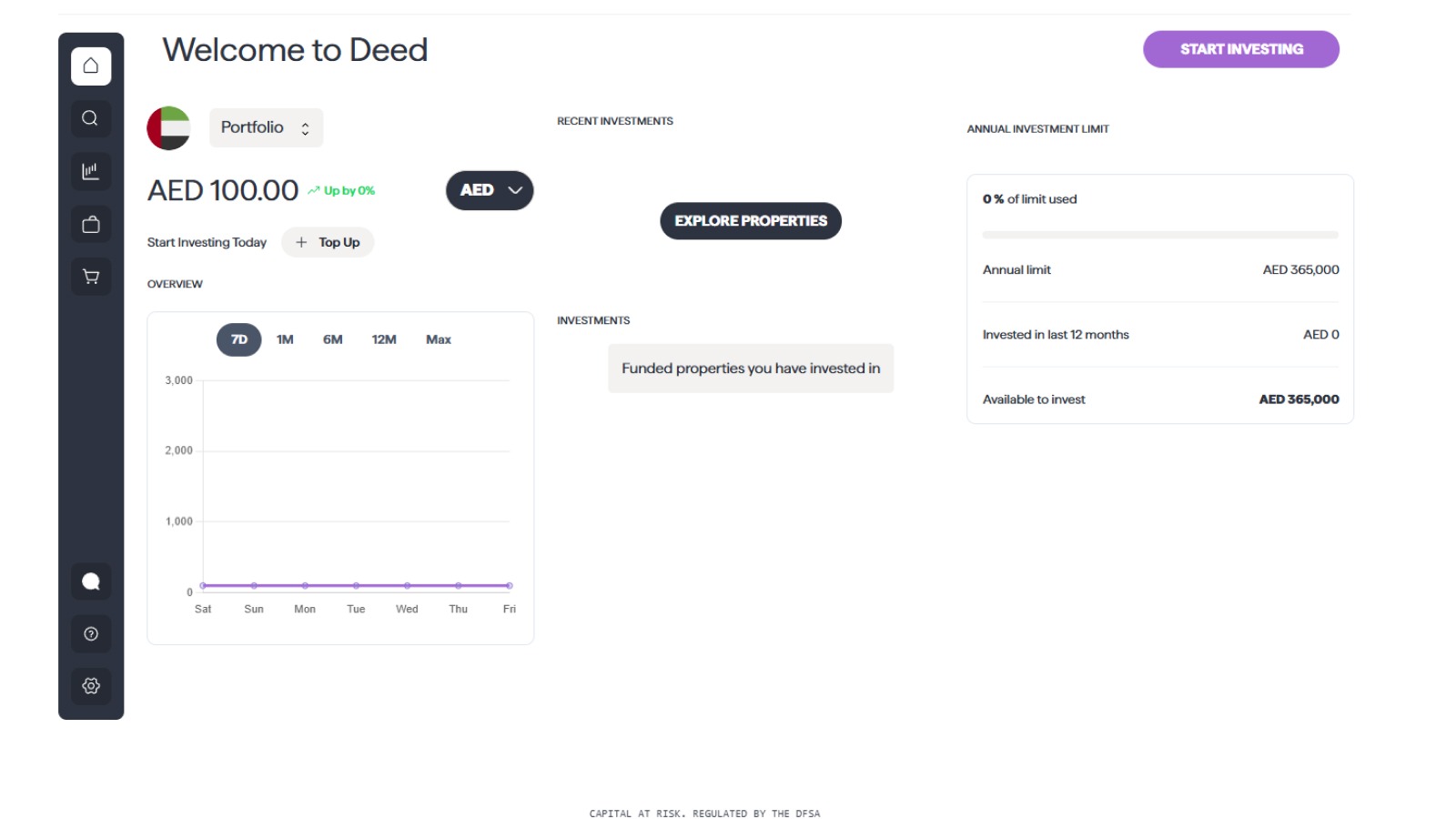
- Total invested value
- Number of properties in your portfolio
- Combined returns
This section offers a snapshot of your portfolio health and growth.
3. Analyze Individual Property Performance
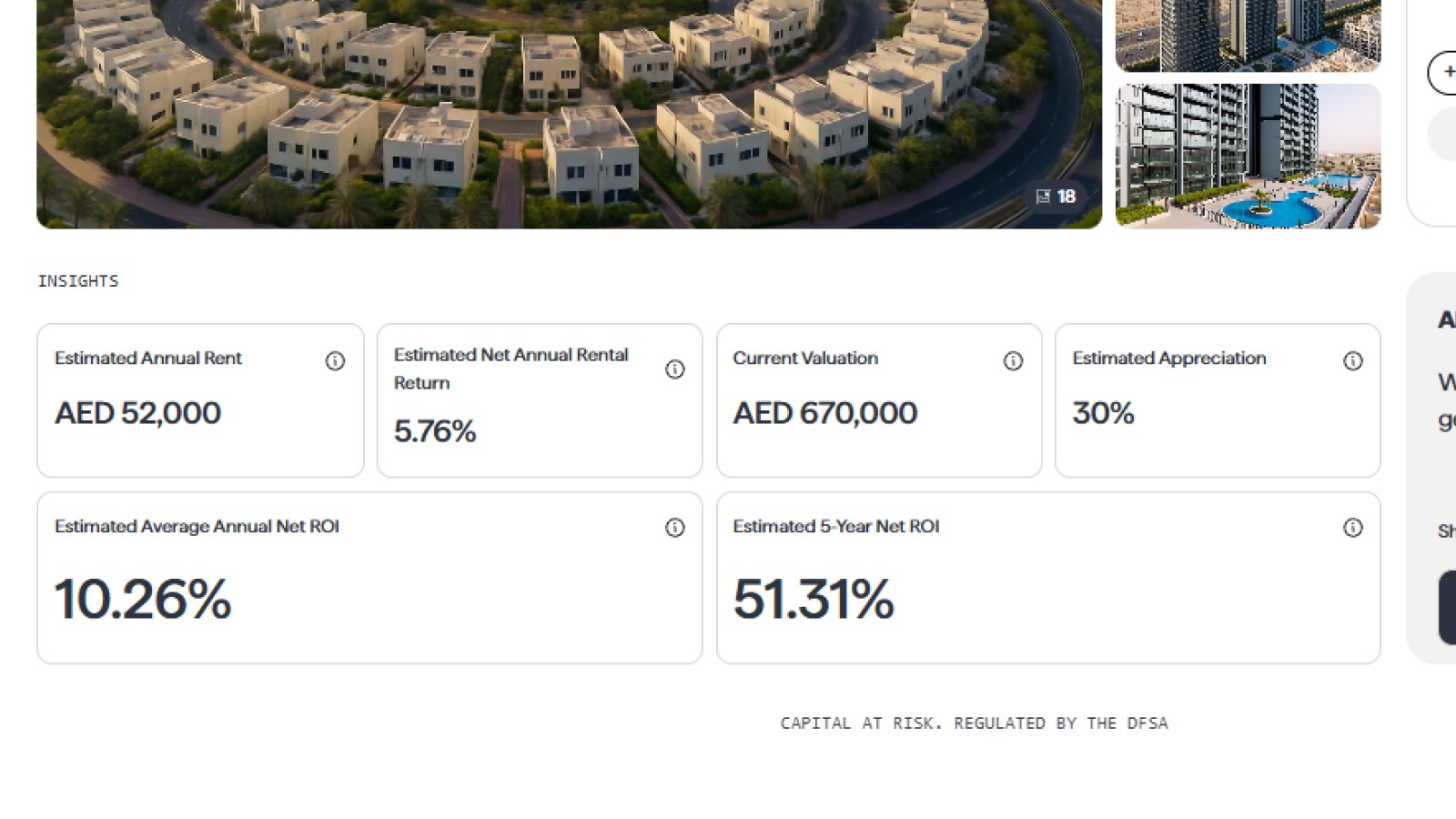
Click on any individual property listed in your dashboard to view:
- Rental Income Earned to date
- Current valuation/share
- Total Gains (rental + appreciation)
This lets you identify your strongest performers and those that might need closer attention.
4. Monitor Rental Income via Your Deed Wallet
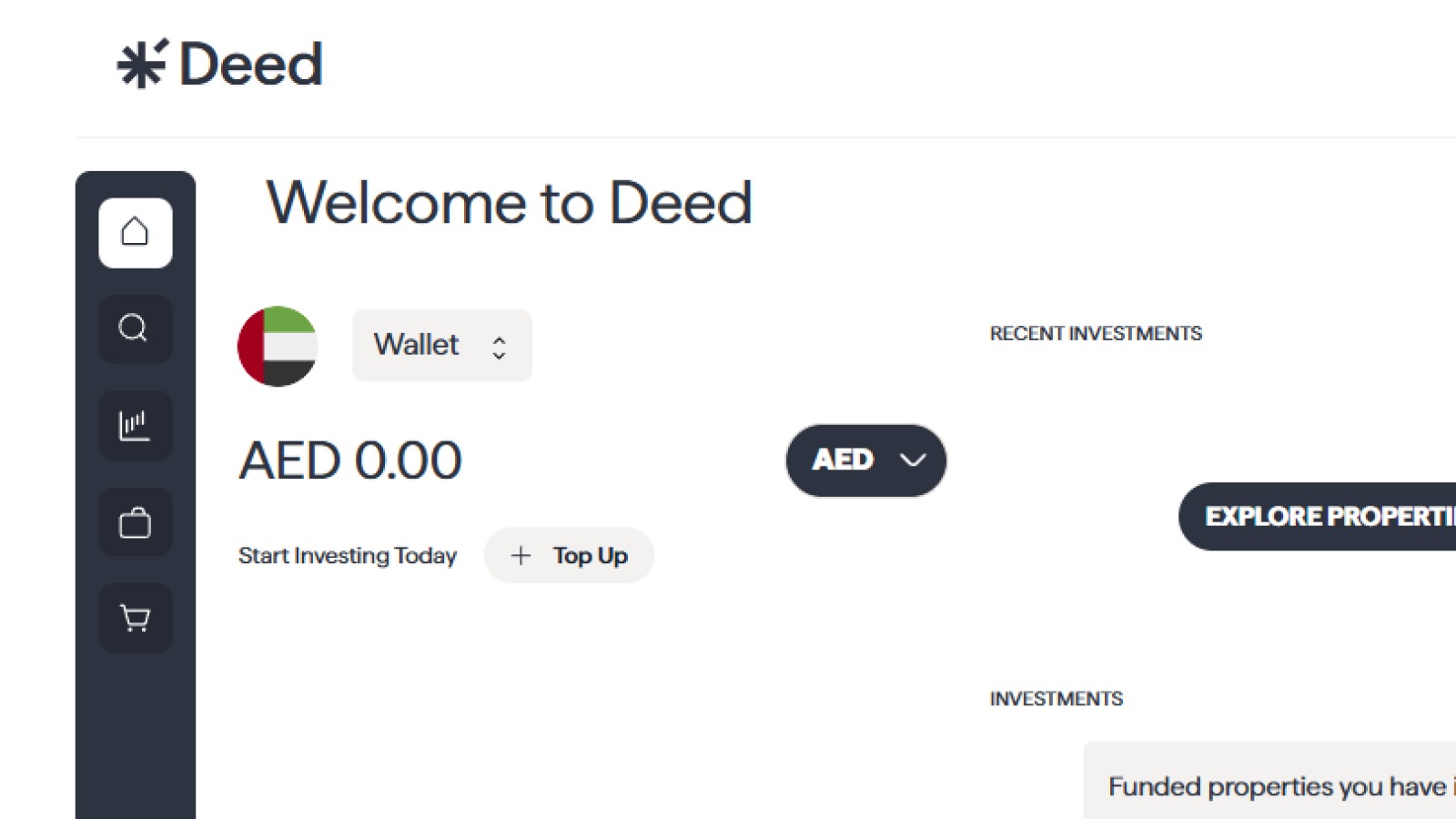
- Rental income is credited monthly to your wallet automatically
- You can view your wallet balance from the dashboard
- You can withdraw or reinvest wallet funds
5. Access Historical Data
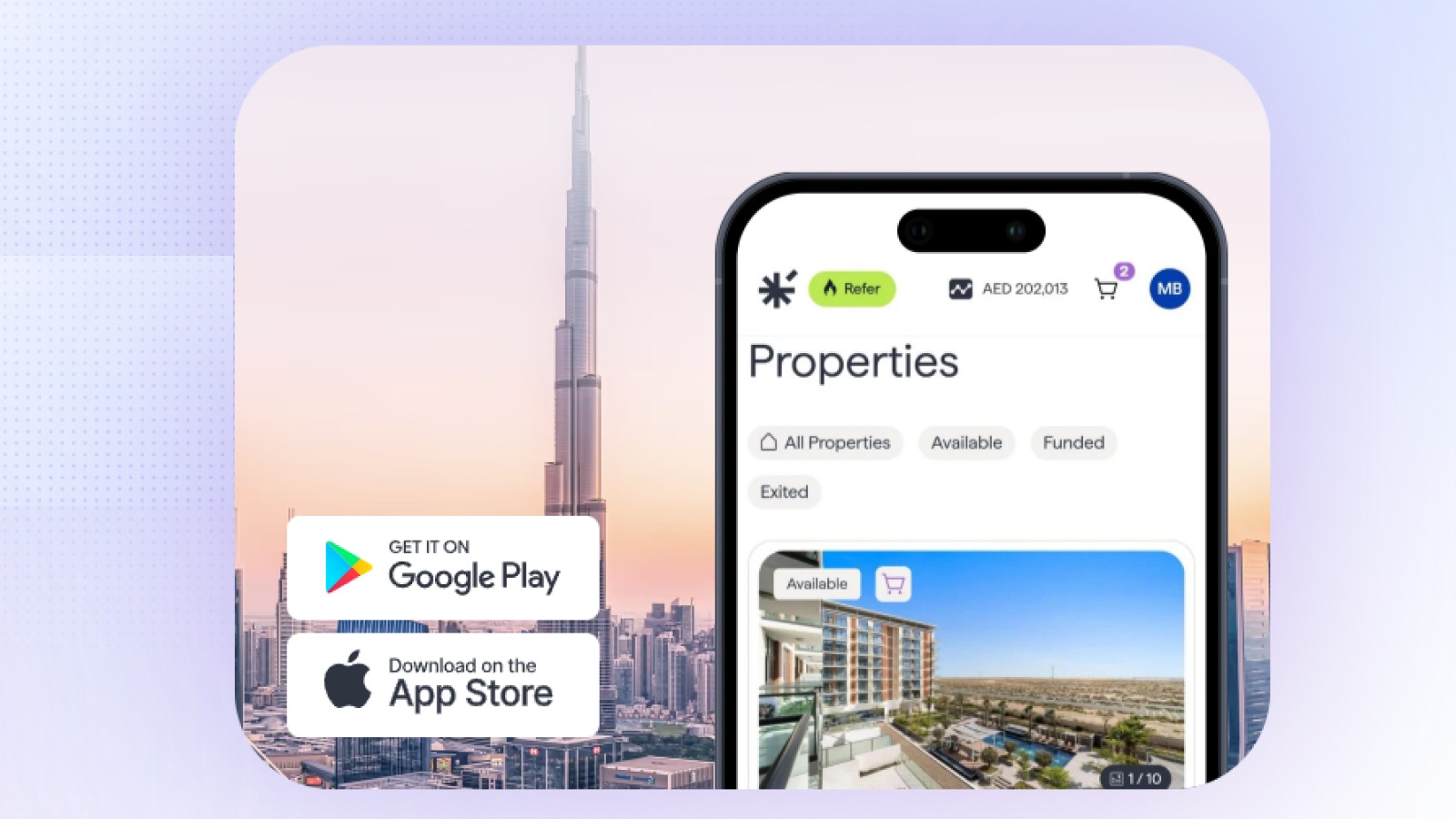
Your dashboard also provides access to historical data, allowing you to:
Analyze how your investments have evolved:
- Growth in value
- Revenue trends month over month or year over year
This historical lens helps guide smarter long-term decisions.
FAQ Section
How often is the dashboard updated?
Your dashboard is updated in real-time to reflect the latest performance of your investments. Rental income is typically updated on a monthly basis.
Can I withdraw or reinvest income?
Yes. You can choose to:
- Withdraw rental income from your wallet
- Reinvest it in new properties available on the platform
What is the difference between rental income and capital appreciation?
Rental income is the passive income you earn from the rent paid by tenants. Capital appreciation is the increase in the value of the property over time. Your total return is the sum of your rental income and capital appreciation.
Conclusion

The Deed dashboard is a powerful tool that provides you with a clear and transparent view of your investment performance. By regularly tracking your returns and analyzing your portfolio, you can make informed decisions and stay on track to achieve your financial goals.
Explore More:
How to Exit or Transfer Your Investment on Deed?How Do I Use Deed's Investment Calculator and ROI Tools?How Do I Receive and Withdraw My Rental Income from Deed?How Do I Contact Deed Support and Get Help with My Account?
Senior Growth, Marketing & Brand Manager | Elevating Brand Equity & Fueling Sales Growth Across Fintech, Proptech.
Signup to our newsletter!
Stay ahead with exclusive updates, insights, and opportunities delivered straight to your inbox.
Frequently Asked Questions

Start earning passive income today
Join thousands of investors building wealth through fully-managed rental properties.