


How to View Your Investment Portfolio and Property Details on Deed?
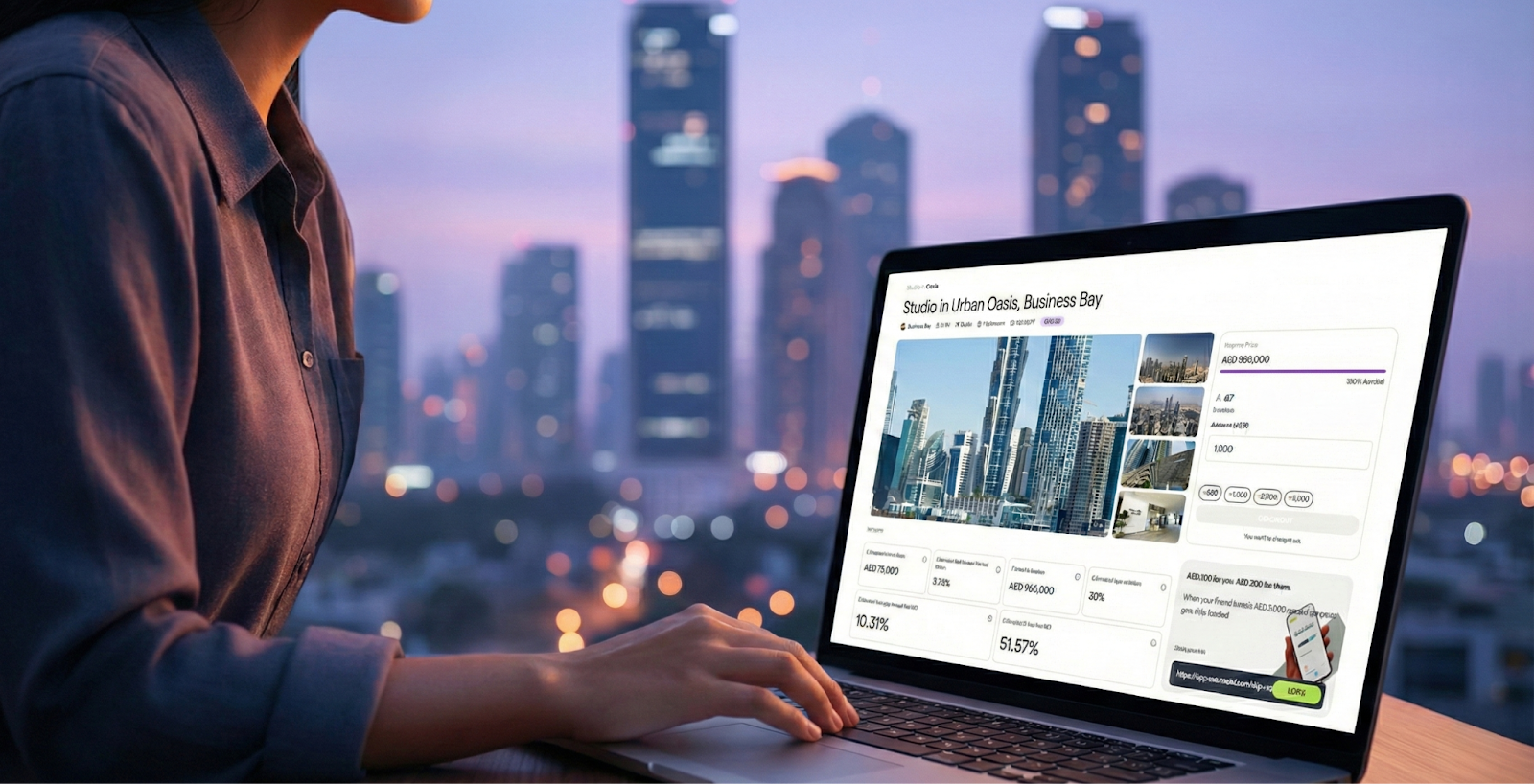
Learn how to view your investment portfolio and property details on Deed. This guide explains how to access your dashboard, track investment status, and monitor wallet balances and returns.


KEY takeaways
How to View Your Investment Portfolio and Property Details on Deed?
Keeping a close eye on your investment portfolio is key to staying informed and in control of your financial future. This guide will show you how to view your investment portfolio and access detailed information about each property you have invested in on the Deed platform.
TL;DR – Quick Steps to View Your Portfolio
- Log in and go to your dashboard
- Click on the property to view your ownership and status
- See performance indicators and updates if applicable
- Monitor your wallet balance for credited income and reinvestment
Why This Matters
Deed provides a user dashboard that serves as your central hub to:
- View which properties you’ve invested in
- Track their funding and acquisition status
- Monitor your wallet balance (credited returns or income)
- Receive updates on next steps post-investment
This transparency and visibility allows you to stay informed and in control of your investment activity.
Step-by-Step Guide to Viewing Your Portfolio and Property Details
1. Access Your Dashboard
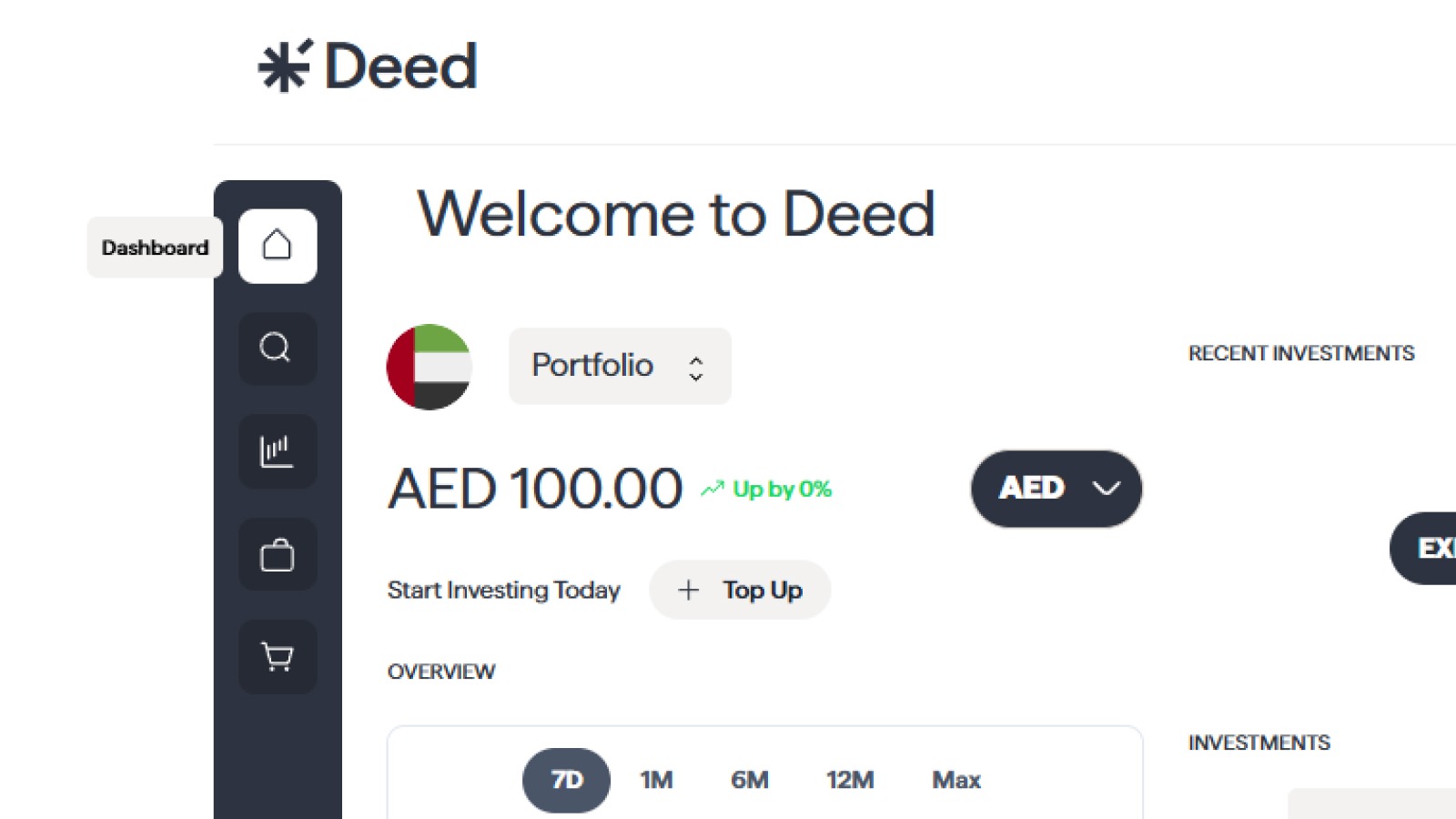
Once your investment is made, log in and navigate to your personal dashboard. This is where you’ll see an overview of your activity on Deed.
2. Track the Status of Your Investment

On the dashboard, you can:
- See the property name you invested in
- Track its funding progress (if not yet acquired)
- Know whether it is acquired or in process
Once a property is acquired, your ownership becomes active and returns (if any) start accruing to your Deed wallet.
3. Monitor Wallet and Investment Returns
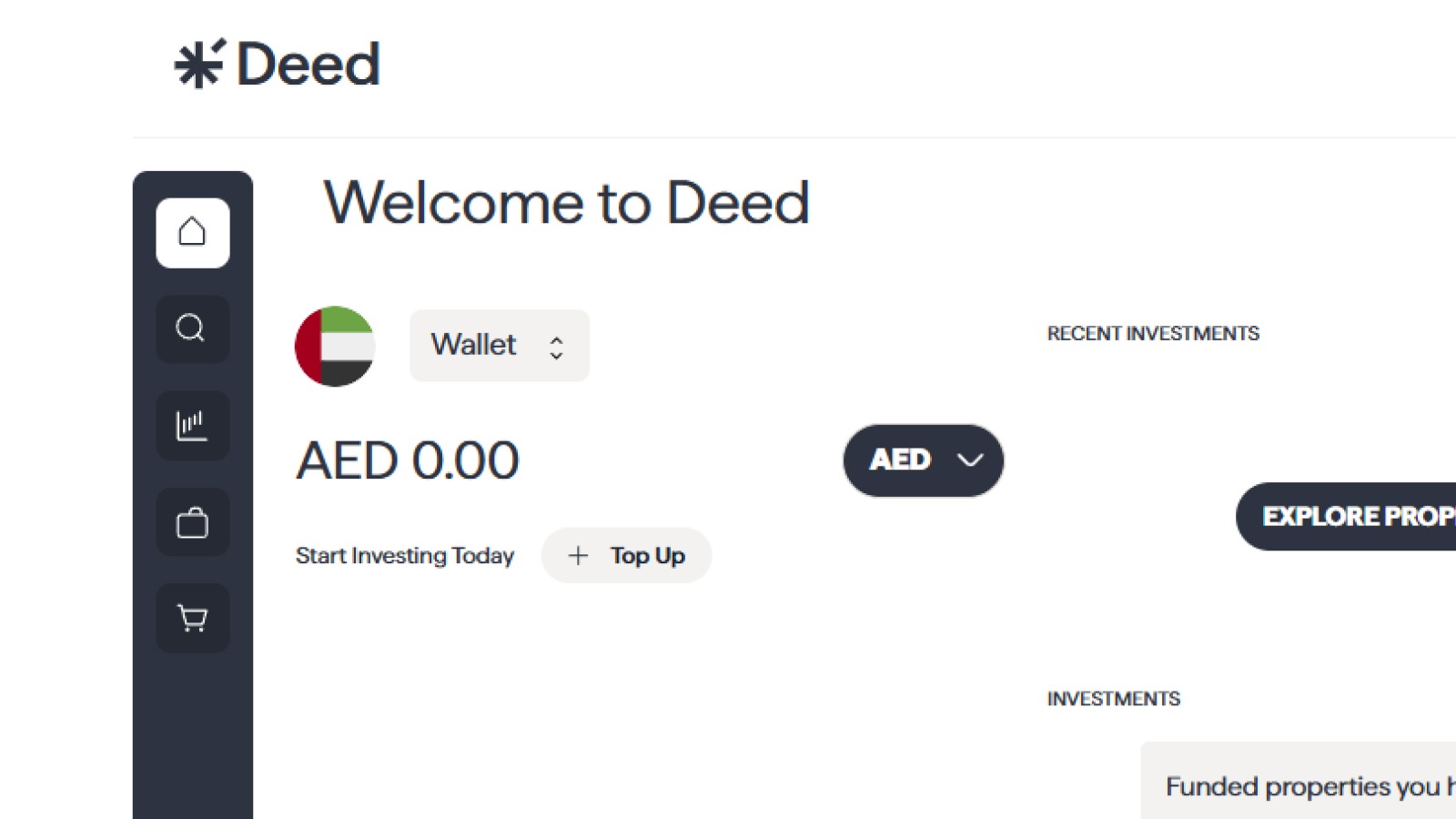
Your wallet balance is updated with rental income as it is distributed. You can:
- Use the wallet to reinvest in new properties
- Withdraw funds to your bank account
This wallet activity reflects income from the properties you hold shares in.
4. Understand Post-Investment Steps

Once your investment is confirmed, Deed handles:
- Property acquisition
- Ownership transfer through a holding structure
- Rental income management
- Ongoing maintenance and updates
You remain a fractional owner of the asset, and all legal documents are maintained through regulated entities.
FAQ Section
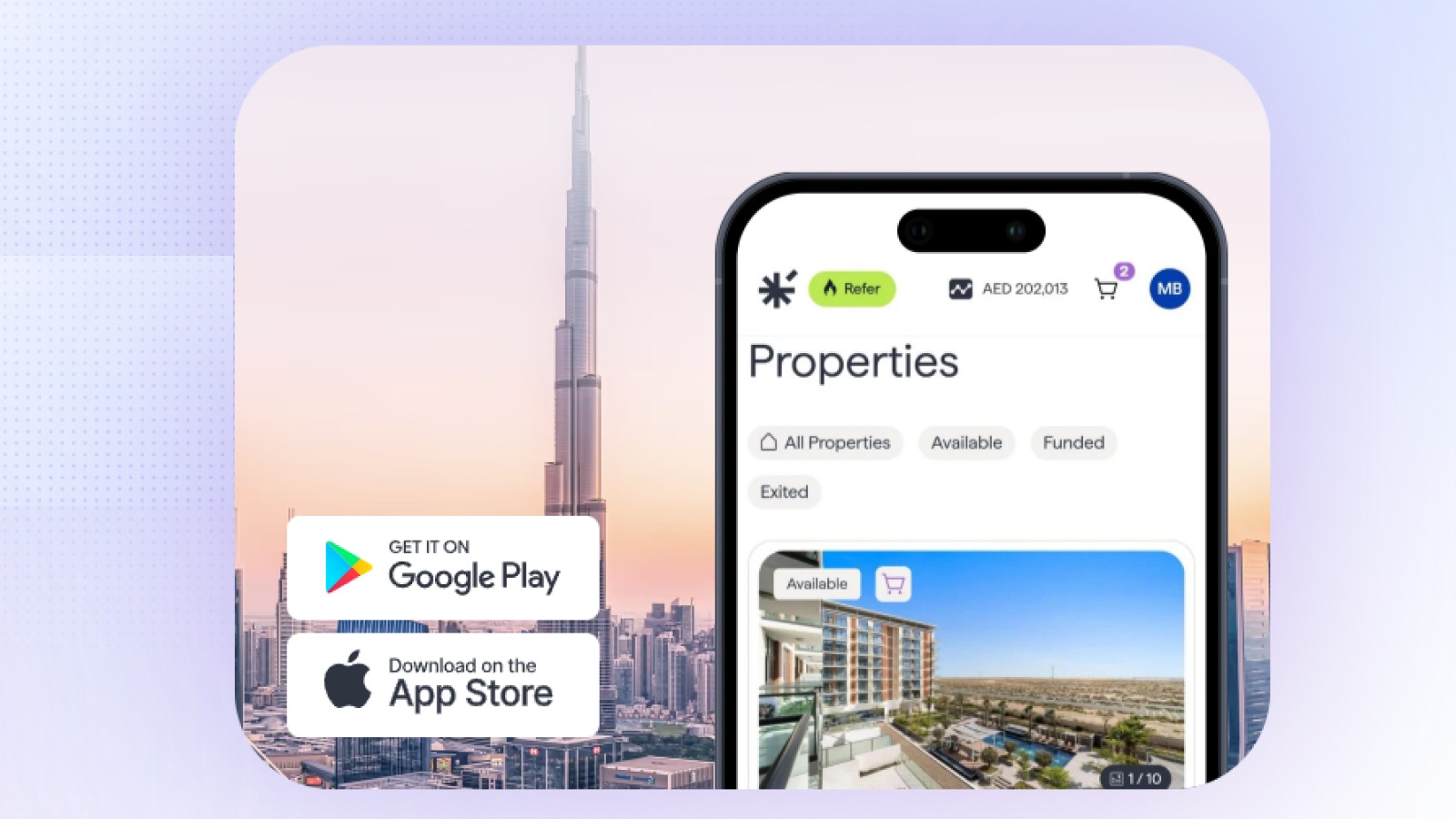
Where do I find the properties I’ve invested in?
Log in and go to your dashboard. All active investments and status updates are shown there.
Can I see the other investors in a property?
For privacy reasons, we do not disclose the identities of other investors in a property. However, you can see the total number of investors and the total amount funded.
How can I use this information to make better investment decisions?
By tracking the performance of your properties, you can identify which types of investments are performing best for you. This can help you refine your investment strategy and make more informed decisions in the future.
Conclusion
The DEED platform provides you with a comprehensive and transparent view of your investment portfolio. By regularly reviewing your portfolio and property details, you can stay in control of your investments and make the strategic decisions needed to achieve your financial goals.
Read More:
How to Browse and Select Properties to Invest in on DeedHow Do I Use Deed's Investment Calculator and ROI Tools?How Do I Receive and Withdraw My Rental Income from Deed?How Do I Invest in Multiple Properties to Build My Portfolio on Deed?
Senior Growth, Marketing & Brand Manager | Elevating Brand Equity & Fueling Sales Growth Across Fintech, Proptech.
Signup to our newsletter!
Stay ahead with exclusive updates, insights, and opportunities delivered straight to your inbox.
Frequently Asked Questions

Start earning passive income today
Join thousands of investors building wealth through fully-managed rental properties.