


How to Update Your Personal and Banking Information on Deed
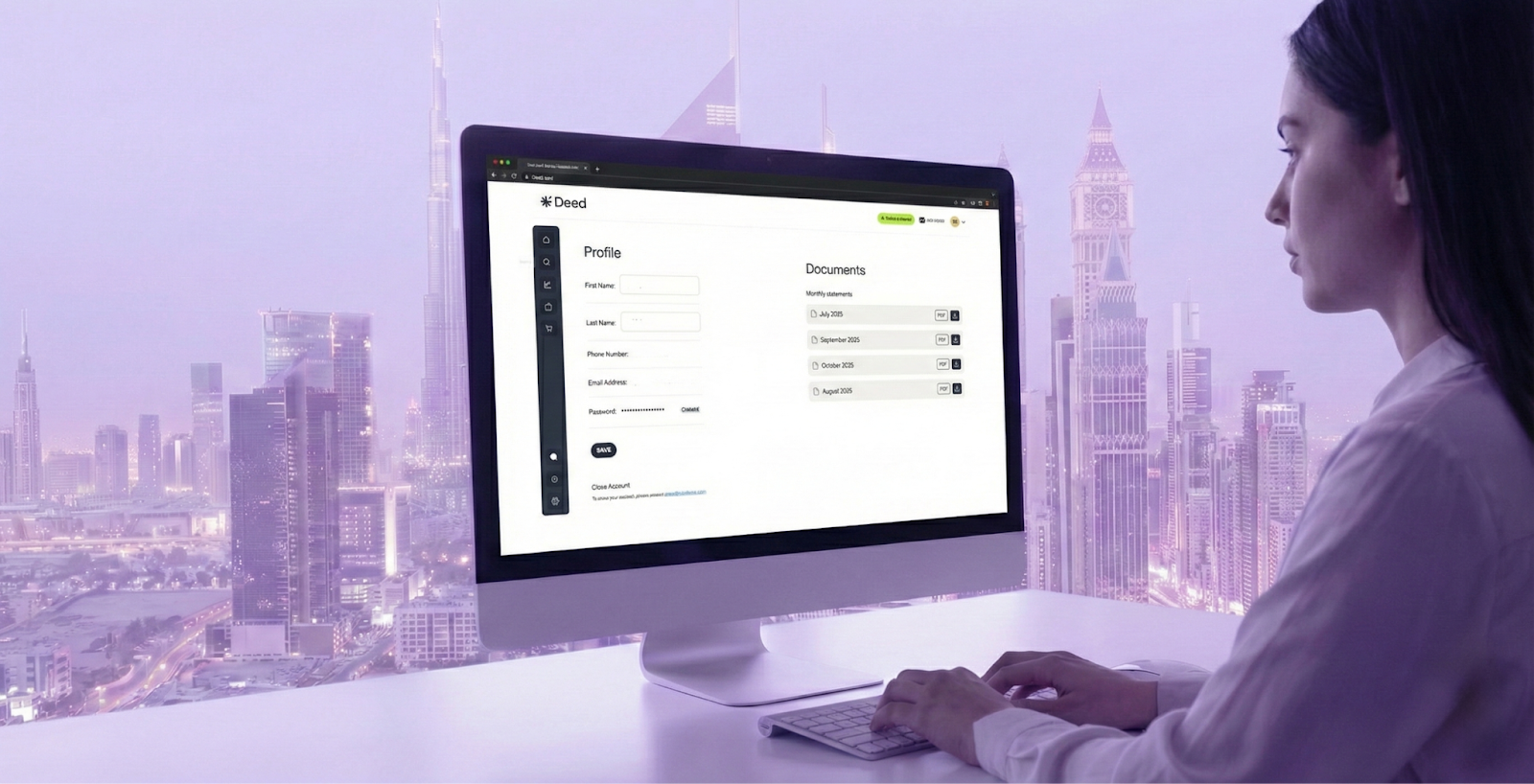
Learn how to update your personal details and bank information on Deed. This guide explains where to make changes, verification timelines, and why keeping your details current matters.


KEY takeaways
How to Update Your Personal and Banking Information on DEED
Keeping your Deed account details up to date is crucial—not just for security and compliance, but also to ensure you receive timely payouts and communications.
In this guide, we’ll walk you through how to update both your personal details and banking information directly from your Deed dashboard.
TL;DR: Quick Steps
- Personal Info: Go to “Settings” → “Profile” → Edit and save changes.
- Bank Details: Navigate to “Accounts” → Add/Edit your info.
- Verification: Some updates require document proof and security confirmation.
Why This Matters
Keeping your profile accurate protects your identity and ensures:
- Seamless Withdrawals: Outdated bank details can delay rental income or investment exits.
- Regulatory Compliance: Deed must maintain accurate investor records for KYC/AML.
- Secure Access: Up-to-date contact info helps recover your account in emergencies.
How to Update Your Personal Information on Deed
Step 1: Log in to Your Deed Account
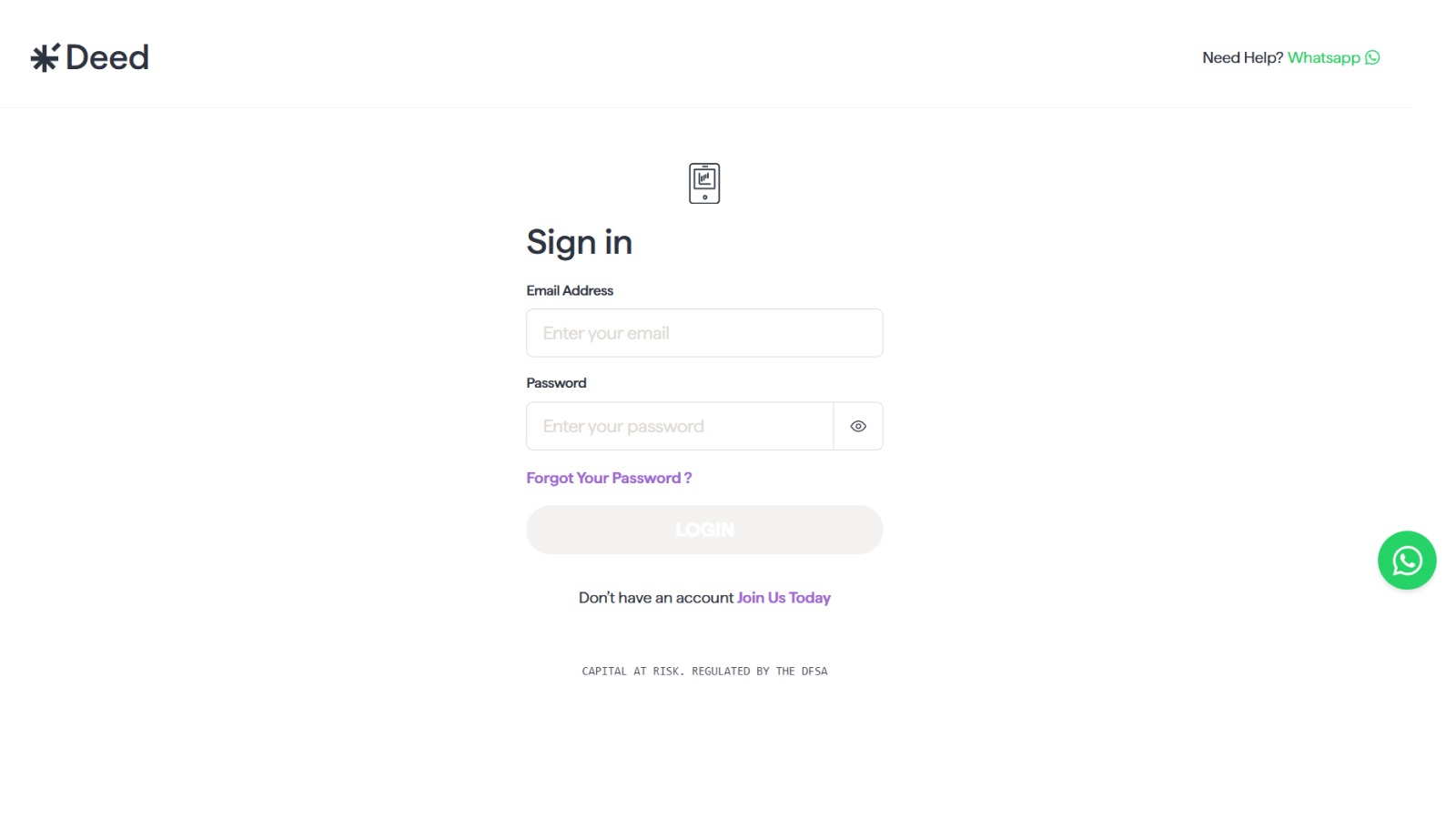
Visit startdeed.com and sign in to your account.
Step 2: Go to Settings → Account
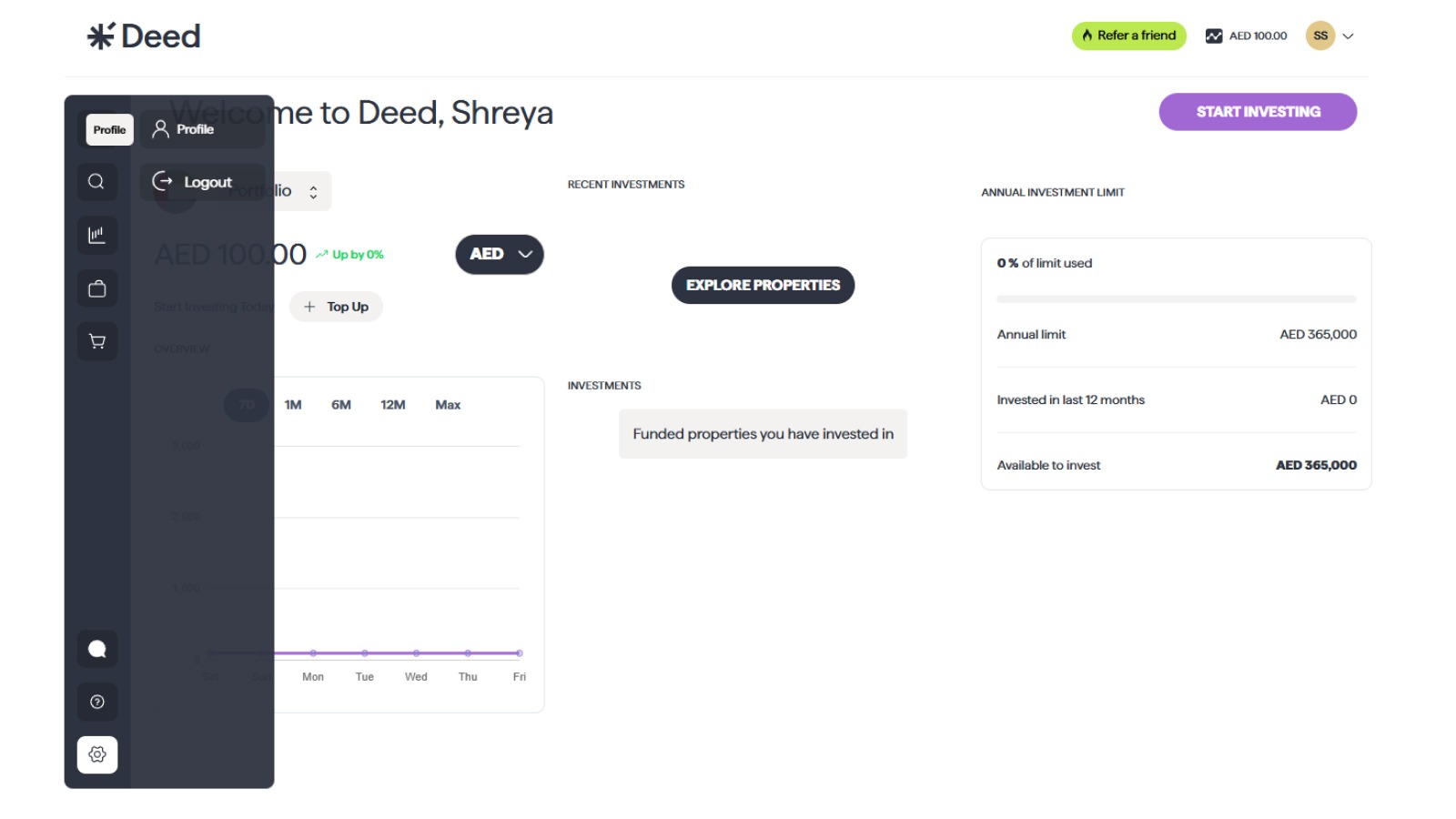
Look for the “Settings” tab, then navigate to the “Profile” section.
Step 3: Edit Your Details
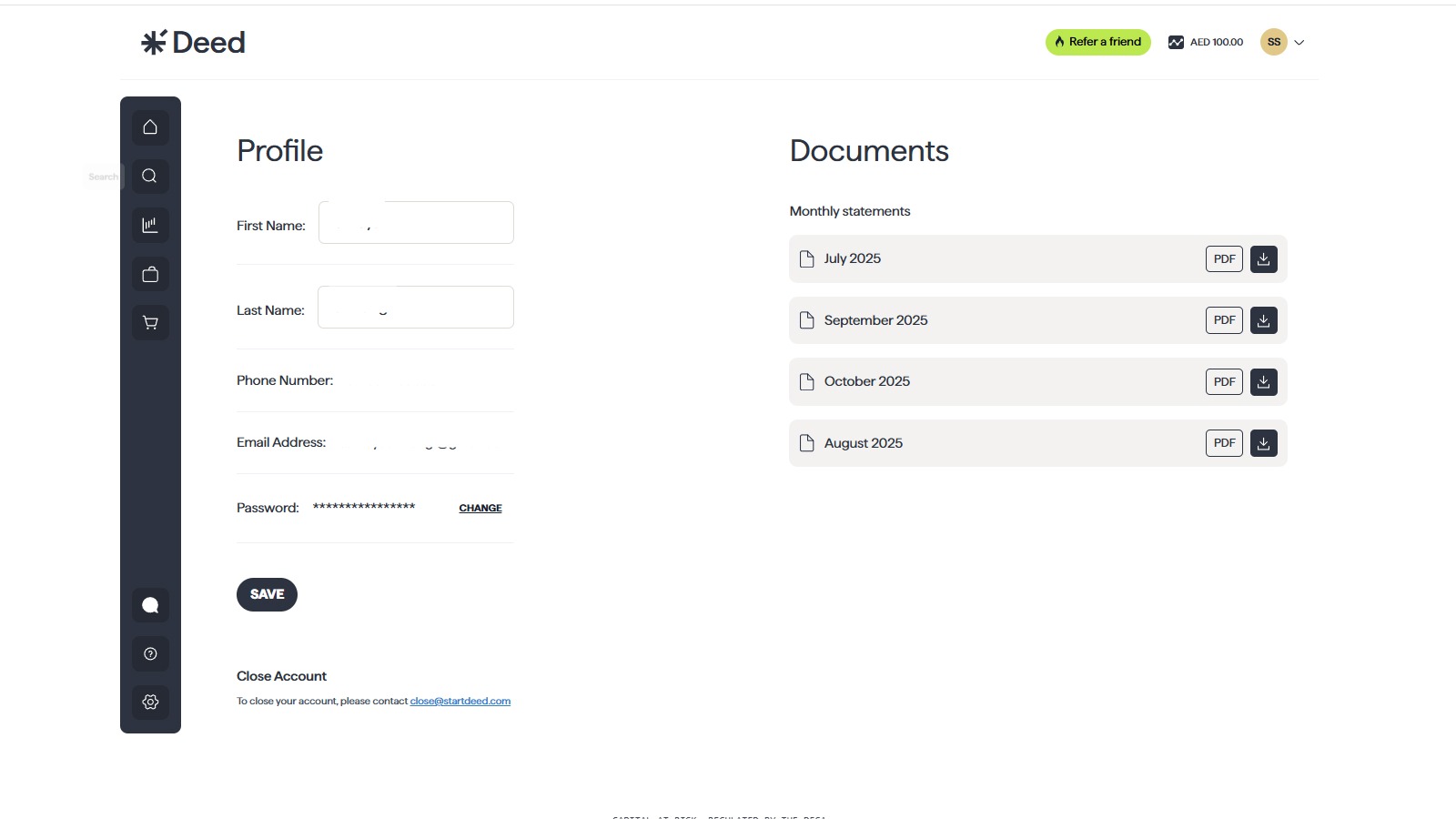
Update fields like:
- Full Name
- Password
Step 4: Save Changes
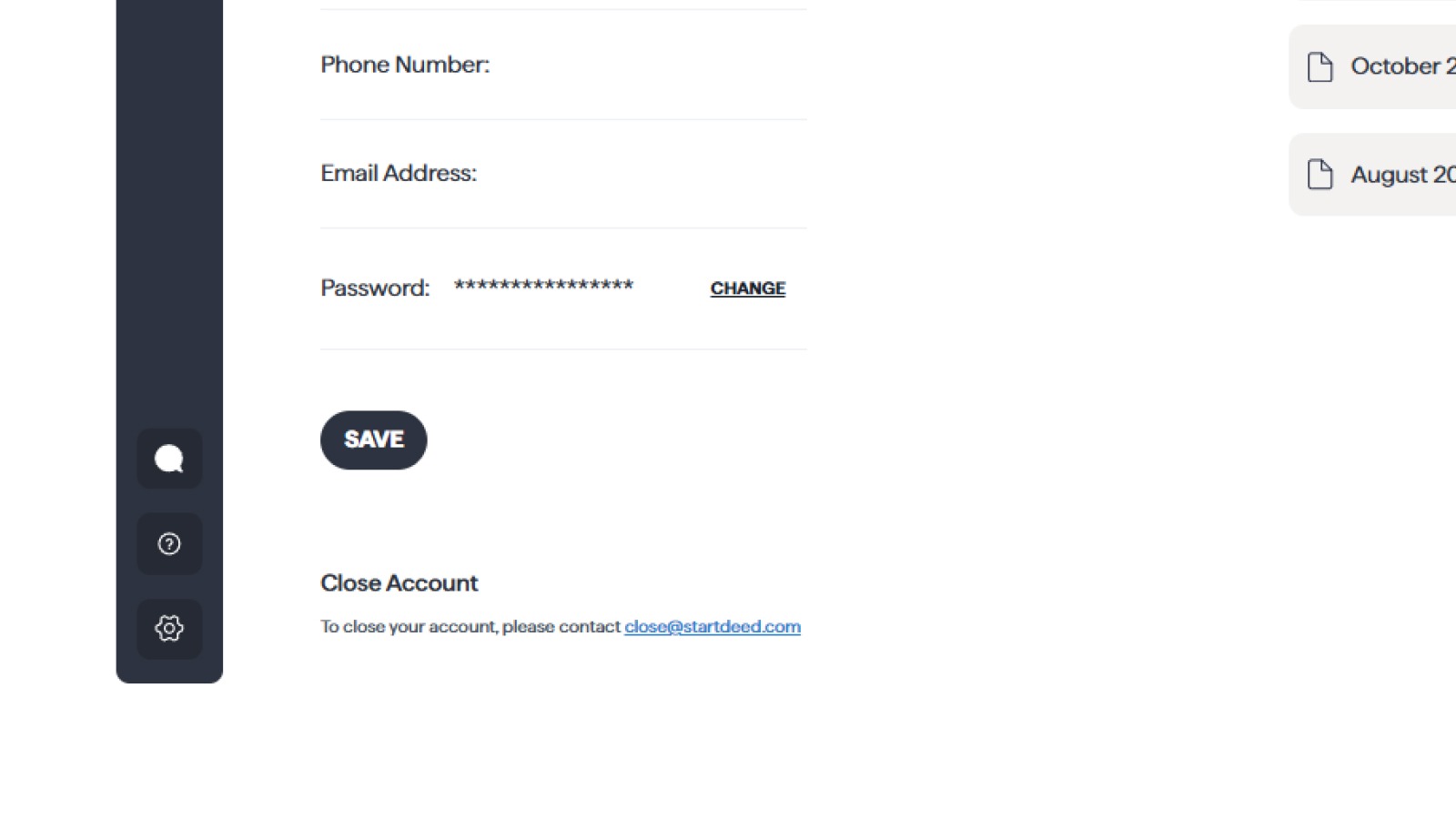
Once all updates are complete, save the changes to reflect them in your account.
How to Update or Add Bank Details
Keeping your withdrawal details accurate ensures smooth transfers from your Deed Wallet to your bank.
1. Navigate to ‘Bank Details’

- Go to the Account section.
2. Add or Edit Your Bank Account
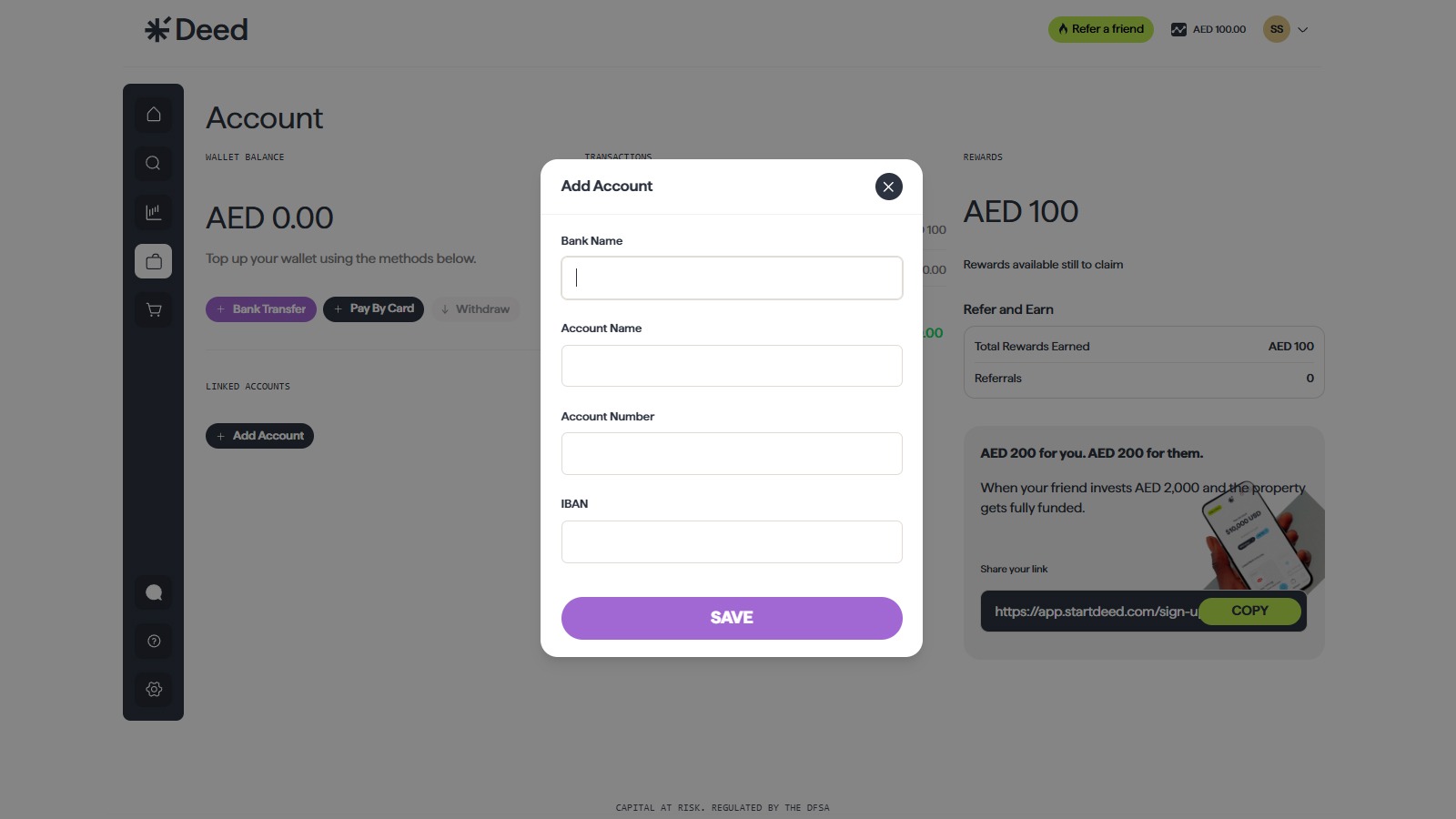
Click on “Add Account”
Enter:
- Account Holder’s Name (can only be the investor’s name)
- Bank Name
- Account Number or IBAN
3. Submit for Verification
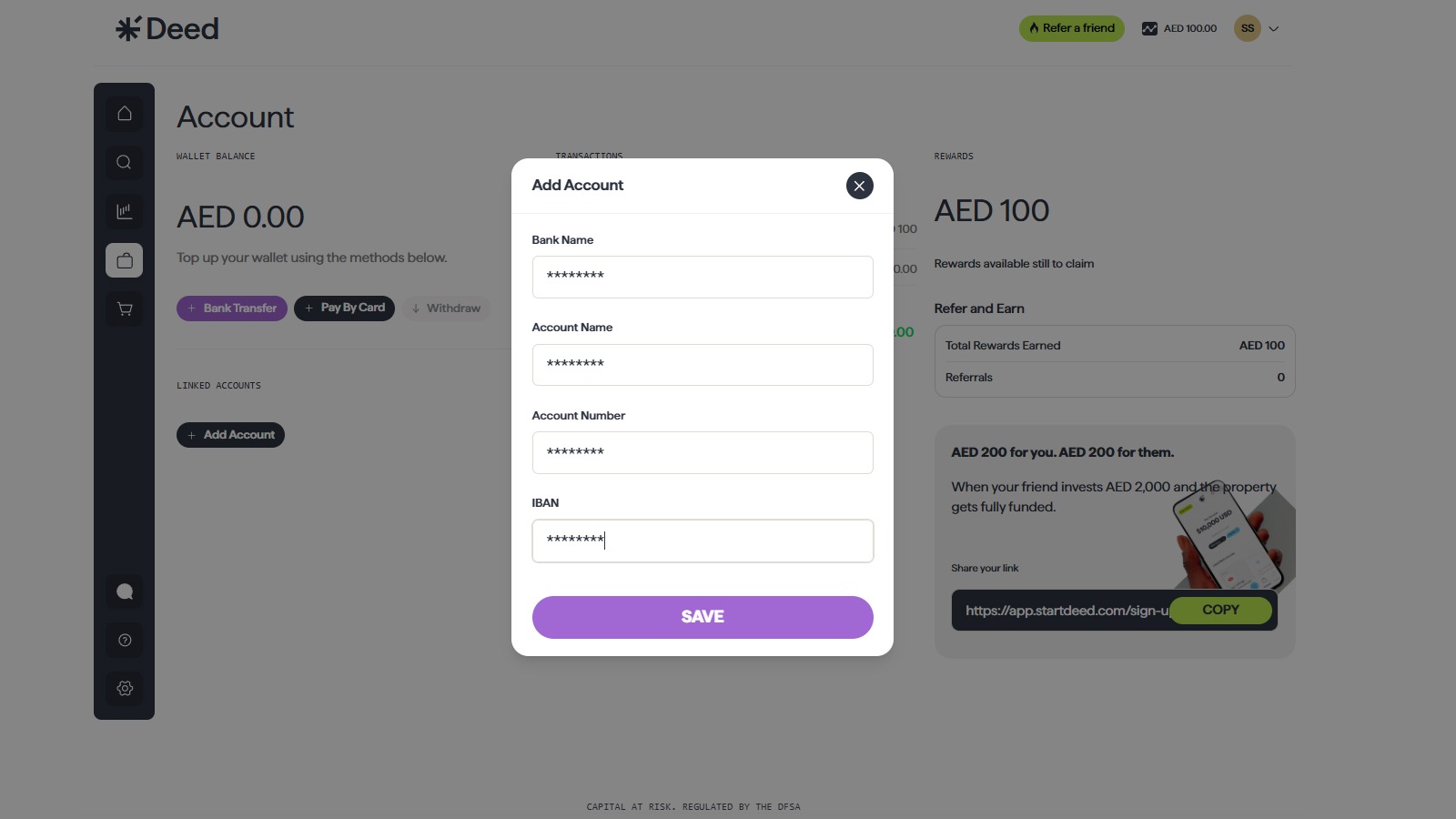
- New or changed bank accounts are verified within 1–2 business days.
- Deed may request additional documentation for validation.
FAQ Section
How long does it take for my new bank account to be verified?
New bank accounts are typically verified within 1-2 business days. You will receive a notification once your bank account has been approved.
Can I have multiple bank accounts registered on my Deed account?
No. You can register only one bank account to your Deed profile.
If you need to change or add another bank account, you must notify the Deed team with a valid reason and supporting documents. This policy helps us comply with anti-money laundering (AML) regulations and reduce risk.
Conclusion
Keeping your personal and banking information up to date on Deed helps protect your account, ensures smooth payouts, and maintains regulatory compliance. Whether you’re receiving rental income or exiting an investment, accurate records are key to a hassle-free experience.
💡 Tip: Review your account settings every few months to make sure your details are still valid—especially after moving, switching banks, or changing your phone number.
Explore More:
What Is a Proof of Address (POA) Document and How Do I Submit It on Deed?How to Make Your First Investment on Deed: A Step-by-Step GuideHow Do I Contact Deed Support and Get Help with My Account?How Do I Complete KYC Verification on Deed (and What Documents You’ll Need)?
Senior Growth, Marketing & Brand Manager | Elevating Brand Equity & Fueling Sales Growth Across Fintech, Proptech.
Signup to our newsletter!
Stay ahead with exclusive updates, insights, and opportunities delivered straight to your inbox.
Frequently Asked Questions

Start earning passive income today
Join thousands of investors building wealth through fully-managed rental properties.